

How to move your POS to a new PC
New counter PC? Move the CreekPOS program and its licence with a backup and a free release code, what to do if the old PC is dead, and the online way.
Short reads on tax invoices, e-invoicing, hardware and the habits that save money. Factual and dated; not legal or tax advice.

Two ways to use the same market. Choose the route that fits your business.

Shops can search published products by name, brand, category or GTIN. Your public business profile gives them a way to understand who supplies the goods.
For suppliers
Browse the public directory by product, brand, category or GTIN. Check the supplier profile and compare currency, unit and pack size together.
For shops
New counter PC? Move the CreekPOS program and its licence with a backup and a free release code, what to do if the old PC is dead, and the online way.
A Mac at the counter? The CreekPOS program is Windows only, but CreekPOS Online sells in the browser on a Mac. What works and which plan.
Before a UAE shop picks a POS: where the sales data is stored, who backs it up, and how to take it with you. CreekPOS's answers for the program and Online.
A phone or electronics repair counter needs tickets with IMEI, estimates the customer approves, parts from stock and a warranty. How to run it in CreekPOS.

Kitchen prep SLA telemetry, waiter Ready-Bell, table QR pay, PWA digital stamp & VIP cards, BOM stock variance, hourly timers, salon & laundry tools.

Connect Claude, ChatGPT, and Gemini in one click (.mcpb & SKILL.md), track UAE AED 3M Small Business Relief & 9% tax, and stop daily margin leaks.
A carcass is an input with several outputs, by-products and possibly declared loss. Its cost must be allocated once, with an explained basis, while its mass reconciles. Use a fictional batch to understand the workflow before changing real inventory or promising compatibility with a scale.
A spreadsheet and a refreshed dashboard are only as reliable as their source period. Start with an exact range and a report whose totals you can reconcile. Exporting a file is different from authorizing an external connector, and an accepted connection is different from verifying a successful refresh.
Search is most useful when it recognizes ordinary wording while preserving precise identifiers. A misspelled setting name may still find the correct page, but a receipt number or barcode must remain exact. Review result groups and permissions before turning a convenient shortcut into a routine.
A waiter should not search through accounting to take an order, and a cashier should not receive payroll access merely to find checkout. Separate accounts and focused tools reduce distraction while preserving the permissions that actually protect data. Start by describing duties, then test each account against those duties.
A useful tablet workspace shows the tools the business actually needs. Retailers should not navigate unused table operations; restaurants still need stock and accounting when those modules are enabled. Treat suggested business defaults as a reviewable starting point, and preserve deliberate custom choices.

A working browser card with stamps and points; wallet passes remain coming soon.
Paper-light checkout means offering a usable receipt alternative, not hiding the evidence of a transaction. A digital receipt still needs the correct order, total and customer destination. Keep the customer choice visible and verify the saved receipt before treating an attempted message as delivered.
Elapsed time since an order began cannot explain which stage took too long. Preparation, readiness, service and payment are different events. Treat missing timestamps as missing evidence, and compare similar work over the same period before deciding that one employee is faster than another.
An ingredient recipe and a prepared product describe different inventory moments. A preparation batch consumes materials and creates prepared stock; selling that stock must not consume the same materials again. A small reconciled example is more useful than an attractive dashboard whose quantities cannot be explained.
A table order is a sequence of responsibilities, not merely a receipt. A useful training shift starts with one table, a few products and named staff, then follows the order until payment and cleaning are complete. Keep each hand-off visible so an operator can distinguish preparation from service and settlement.
Three guests sharing one item should produce one exact bill total, not three rounded approximations that lose money or duplicate stock. Allocate the shared item explicitly, keep the original order responsible for preparation, and review the remainder before accepting a payment. A paid share has different rules from an unpaid allocation.
Balance demand, existing stock, open purchase orders and supplier pack sizes before sending your next request.
Record what actually arrived, keep the remaining quantity visible and reconcile the delivery against your purchase order.
Follow the agreement, product mapping and purchase-order steps without confusing a request with a confirmed purchase.
Use product identifiers, size and units to avoid receiving the right name into the wrong stock record.
Combine merchandise, delivery and applicable tax to compare what you would actually pay for a restock.
A practical method for comparing supplier offers when cartons, bag sizes and minimum quantities differ.
Follow one order from a reviewed listing to agreement, dispatch and the buyer’s receiving workflow.
Write lead times, delivery charges and handover arrangements clearly before a shop places its request.
Use accept, reject and revised quotes to keep buyer and supplier aligned before a market request becomes a purchase order.
Set sensible validity dates, review changed prices and withdraw unavailable products so the public catalogue reflects what you can offer.
Explain cartons, individual units and minimum quantities so buyers request the right amount and compare wholesale offers fairly.
Build your first wholesale catalogue with clear product identities, units, prices and delivery terms. Use this checklist before submitting it for review.

A private place for customers to find purchases, documents, support and service updates.

Select the branch, date range and sources you are permitted to view, then run the report.

Create a rule: choose the source module, event, optional resulting state, and the Support ticket or Service order to create. Enable both source and destination modules.

Enable CRM and open a customer profile to record the next follow-up, or create a deal and move it through the pipeline.
Buy the add-on in Billing → Plan and enable it in Settings → Modules. Open Customer Portal and select the correct branch and customer.

Open Developer as the owner and consult the live API reference for the supported operations. Create a key with only the required scopes, branch and expiry.

Enable Expenses and create an expense with its date, category, amount and supporting details.

Create a form definition and add its typed fields. Review the field names and choices before publishing a version.
Open the partner portal, review its current terms, register and verify your email. Use the account intended for your partnership.

Create a bill of materials with component quantities and costs, then publish it. Create a work order from that published revision.

Register each rental item with its serial, daily rate, deposit and condition. Create a reservation for the customer and dates; overlapping reservations are refused.

Register the customer’s equipment, site and warranty. Create a service order for that customer and equipment.

Create a subscription plan with its cycle, price, included units and applicable tax treatment. Add a customer subscription or share its signup link.

Sign in to your brand account and open Suite. Choose a workspace you are authorized to access.

Browse the public market without signing in. Search by product, brand, category or GTIN and filter currency or base unit. Compare unit price, pack size, minimum order, tax, freight and terms together. Use Next to inspect later result pages.

Create a ticket with its customer, priority, assignee and response or resolution deadlines.

Buy Trade in Billing → Plan on Retail Gold or a higher POS plan. Enable Customers, Stock and Trade for the branch in Settings → Modules. Give staff only the Trade view, manage, approve and bill rights they need.

Turn purchase history into a clear next action, with customer groups, deal follow-up and campaigns that respect consent.

Manage a regular delivery, membership or service plan from the customer account, with recurring bills and clear follow-up.

Keep the receipt, approval and reimbursement together, and make every petty-cash movement easier to review.

Not every shop wants its buying online. From version 5.7.0, the buy-once CreekPOS desktop program keeps purchase requests, approvals, the order, the supplier's invoice checked against what arrived and supplier ageing on one PC, without the internet.

The coffee machine, the shelves, the van and the fit-out cost more than months of stock, yet most shops track them in a spreadsheet nobody updates. Fixed assets in CreekPOS Online keeps one register with tags, works out the depreciation month by month and posts it to Books.

Contract work is not paid like a sale at the till. There is an advance, invoices by milestone or by progress, a retention the customer keeps until the end, and a margin you only know if every hour and every bill is counted. Projects in CreekPOS Online does that arithmetic and shows it before you issue.

A fit-out, a maintenance contract or the printing for an exhibition is not a sale at the till: it lasts weeks, has a budget, a team and costs from several places. Projects in CreekPOS Online keeps each job in one place, from the contract to the last hour on site.

An assistant on WhatsApp is only as good as what it knows about your shop. The AI Front Desk now reads your own notes and catalogue, lists the questions it could not answer for you to answer once, remembers your regulars, turns problems into cases for your team, and checks every reply before it goes.

From 2027 your invoices to companies must travel as e-invoices through an accredited provider. When the Flick connection launches (coming soon), CreekPOS Online's Books will send them through Flick, show each one's status on the invoice, and turn suppliers' e-invoices into draft bills. Till receipts to consumers stay as they are.

Cash on delivery works, until the driver has no change or the customer is not home. Connect your own Paymob account to CreekPOS Online and your online shop takes cards and wallets in AED, your credit customers pay by link, and Paymob's settlements arrive ready for Books.

If your accountant works in Zoho Books, Xero or QuickBooks Online, the end of the month should not start with exporting spreadsheets from the till. Connect it once in CreekPOS Online and each day's sales, your customers on credit and their payments arrive there by themselves, each document once.

Many UAE owners run a grocery, a cafeteria and the trading company that supplies both, each with its own licence, books and VAT. A group in CreekPOS Online shows them together, per shop and for the group, with the business between them removed.
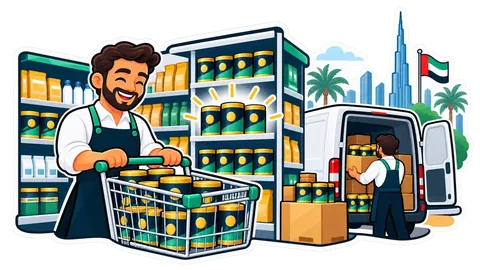
A supplier calls: batch L2405 of a baby formula is recalled. Where is it? On the shelf, in the back store, in the van, or already sold? With Warehouses in CreekPOS Online, one search answers, and a mobile shop never receives the same serial twice.

When stock sits in a back store, a warehouse in Al Quoz and a van, "how many do we have?" has four answers. Warehouses in CreekPOS Online give each place its own stock, bins and min / max, and move goods with transfers that travel until they are received.

A supplier's invoice that bills ten cartons when nine arrived, or a price a little higher than agreed, costs real money over a year. The three-way match checks each invoice against the purchase order and the delivery note before it is booked, and holds the ones that differ.
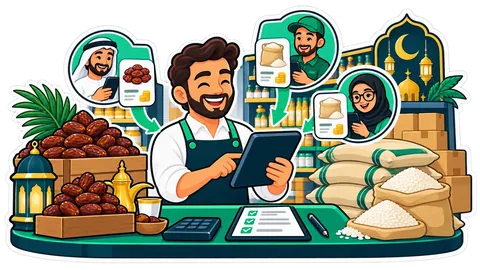
Getting quotes usually means calls, voice notes and prices scribbled on a box. With Procurement, each supplier gets its own link, types its price and delivery date on the phone, and you see every quote side by side, the cheapest per line marked. One tap turns the best quote into the order.

When three people order stock for the same shop, money leaks: double orders, the wrong supplier, an urgent "just approve it" on WhatsApp. Procurement in CreekPOS Online turns that into requests priced at the supplier's list, approvals by amount and monthly budgets per category.

A shop changes as it grows: a second outlet, a back store, an accountant, a supplier who wants quotes. In CreekPOS Online each of these is a module of the same account, switched on in one page, Settings → Modules. Nothing to install, one login, one bill.
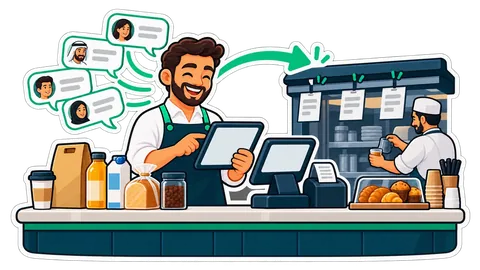
Half your orders arrive on WhatsApp while your team is busy at the counter. The AI Front Desk answers from your own menu, prices, stock and hours, reads the order back, and places it only when the customer says yes.

In the UAE an order is as likely to arrive as a voice note or a photo as in typed words. Here is what the AI Front Desk does with each, and how it asks instead of guessing when something is unclear.

Ask your shop has always answered its own list of questions. Now any other question goes to your AI, which reads the shop's own reports, answers in your language, and says exactly which reports it used.

Most owners never open the weekly report, because Monday morning is already full. "Your week" reads it to you instead: about a minute on last week, in your language, ending with one thing to do.

A trial with no products and no sales has nothing to show you. One click fills your shop with a realistic sample of its own kind, from products to 25 days of receipts, and one click takes exactly that sample out before you add your own.

A menu board can say thank you too. Between the menu pages, the café TV shows the team's top three sellers of the day, the week or the month, with medals and first names, without turning the shift into a contest.
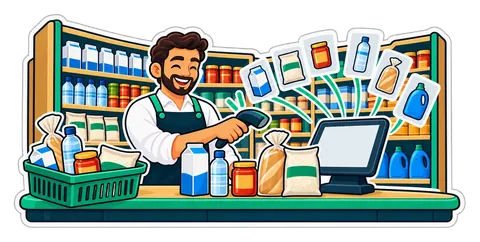
Setting up a grocery means thousands of names, categories and pictures. Scan a barcode or search the UAE catalogue and the name, category and picture come in; you set the price. What it holds, honestly, and where the data comes from.
A coffee kiosk in a mall or a food truck at a weekend market has no room for a desktop till. CreekPOS Till turns an Android tablet into the same online till, and it keeps selling when the signal drops.

Happy customers rarely think of leaving a review, and a week later they have forgotten. A QR at the foot of every sale receipt asks at the right moment, in one scan, with a link you paste once.

Many families buy almost the same basket every week. From the receipt page, Order the same again fills the online shop's cart at today's prices, or shows a QR the cashier scans to refill the till.

The shirt is the wrong size and the shop's phone is busy. From the receipt page the customer asks for a return or sends a question; the till's Customer requests inbox gets it, and staff decide.

The stamp card already lives on a page the customer opens from the receipt. Now it can go into the phone's wallet, next to the bank cards, and it updates itself after every visit.

The monthly price sheet is the most useful paper a supplier sends, and the least used, because nobody has time to type it. Photograph it, review what each change does to your margin, and apply it in one go.
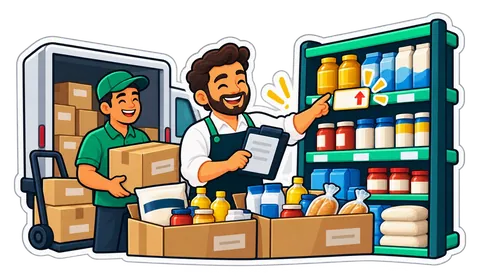
A delivery arrives with a higher carton price, the stock goes on the shelf at the old price, and the margin quietly shrinks for months. How a warning at receiving catches it, with a worked example in AED.

Every shop has a shelf nobody looks at, and every item on it is money already paid to a supplier. How a slow-stock list finds it, suggests what to do with each line, and reminds you every Monday.
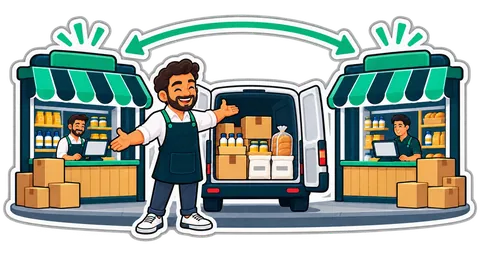
With two branches, the stock that sits in one is often what the other is about to reorder. How the slow-stock list shows where each product sells, works out how many to move and makes the transfer in one tap.

A QR code for the menu, a barcode for jars that have none, shelf labels with the VAT line, the 5 % on a supplier's quote, the drawer at closing. Eight free tools on creekpos.com do these jobs in your browser, with no sign-up, and nothing you type leaves your device.

Where was that setting again? Which menu has the receipts? Quick search answers both: press Ctrl+K, or the Search button, type a few letters or a number, and press Enter.

An error message at a busy counter usually means a phone call and a wait. In CreekPOS every error carries a "What happened?" link that opens its own section of the troubleshooting guide, with what it means, what may have happened and how to fix it.
Many owners already ask ChatGPT or Claude for help every day. Connect your AI lets that same assistant read your shop's sales, stock and receipts through a key you make, limit and revoke, and it can never sell, refund or change anything.

Visas that expire unnoticed, leave on paper, punches locked in the fingerprint clock's software and a salary sheet rebuilt every month. HR in CreekPOS Online keeps the whole chain in one place, from the document reminder to the WPS file you upload to your bank.

A diary at the counter and a phone full of WhatsApp messages work until two customers turn up for the same chair. Bookings gives your shop its own booking page and one calendar, and ends every visit as an ordinary sale at your till.

Most small shops keep their sales in the till and their accounts in a spreadsheet, and someone retypes one into the other every month. Books puts the accounting in the same app as the till, so the sales arrive by themselves and your accountant works from the same figures.
The router restarts while a customer is paying. A minute-by-minute walk through what a well-built till does with the cart, the cash, the receipt, the stock and the card terminal, and what it sends when the line comes back.

Customers can order from your own online shop and pay the driver in cash. The ordering is the easy part; the money is not. How to run cash-on-delivery orders so every dirham comes back to the drawer.

The second branch is where a shop stops being run from memory. Stock splits in two, staff move between places, and the owner can no longer stand behind both counters. What to set up before opening day.
Till hardware is cheap to buy and expensive to get wrong. Ten checks to make at the supplier's counter, with your own receipt and your own barcodes, before you pay.
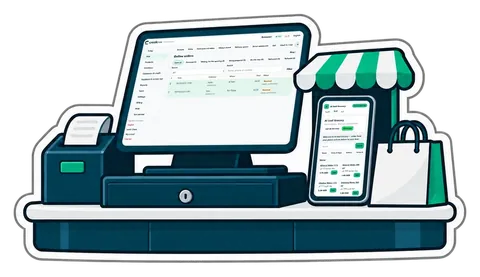
You do not need a website, a second price list or a developer to take orders online. What an online shop fed by your till looks like, how to set it up, and how to run delivery and pickup without chaos.

Typing a 25-line supplier invoice into stock takes twenty minutes and invites mistakes. What an AI reader does well, where it can be wrong, and the checks that keep your stock and costs right.
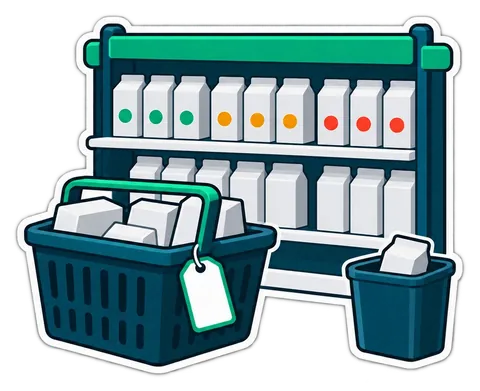
Expired stock is an ordering problem before it is a shelf problem. How to order by the numbers, mark down in time, block what has expired and measure the waste, with a worked example.
Shops that take something in and give it back later live on tickets, deposits and "is it ready?". How to number jobs, tag pieces, take deposits honestly and stop uncollected items from piling up.
The biggest fear when changing point of sale is a week of typing. What you can bring over from your old system or spreadsheet, what you cannot, and a step-by-step plan that keeps the shop open.
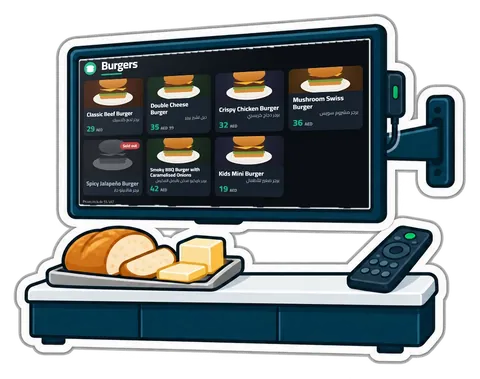
Printed menu boards go out of date the day a price changes. What a digital menu board and a "Preparing / Ready" screen should do, the hardware you actually need, and how to set them up in an afternoon.

Voids, big discounts, a short drawer, a drawer opened with no sale: the few events worth knowing about, how to get them on your phone without drowning in messages, and what to do when one arrives.
Many shops already have their products, prices and customer balances in a spreadsheet. With an hour of tidying and a careful import, that file becomes a working till before lunch. A plan, hour by hour.
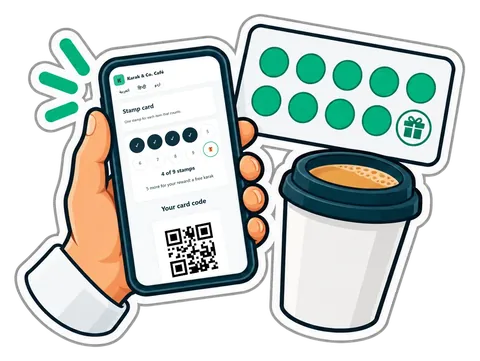
Paper stamp cards get lost and copied; loyalty apps never get downloaded. A stamp card that lives on the customer's phone through a link, filled automatically from the till, keeps the simplicity and drops the problems.
A shop with six staff spends hours a month on a paper sheet, a commission calculation and a salary list. When clock-ins, sales and advances live in the same system, payroll becomes a review instead of a project.

Taking a deposit or letting a customer pay over three months is normal business in the UAE, and a common source of confusion. A simple way to do both at the till, with every due date in one place.
Monthly accounts keep regular customers loyal, and quietly eat a shop's cash. A credit book with terms, limits, ageing, statements and polite reminders turns "write it down" into money that comes back.
Coffee, cardamom, nuts and sweets are sold by weight, in containers, in front of the customer, and roasted or packed in the back. A clear way to price every gram, print honest labels and know what roasting really costs.

An oud and attar counter sells oils by the millilitre, bakhoor by the gram, and blends made in front of the customer. Here is how to price all three the same way every time and still know what is left in each bottle.

When guests order from their phones, the waiter's job moves from writing orders to checking them, serving and closing bills. A walk through one evening, role by role, and the settings that make it work.

A latte in three sizes with four milks and five syrups is sixty products if you do it wrong, and one product with two option groups if you do it right. A practical way to build a café menu on the till.
Most till losses are small, repeated and invisible on the day. A routine of personal logins, discount caps, counted shifts and alerts on your phone makes them visible, without treating your staff as suspects.

Take one of your own receipts and check it against this list, from the heading to the last line. What the till prints for a shopper, what changes for a company, and what happens with returns and deposits.
A baqala is not a small supermarket. It sells to the same families every day, on account, by phone and by the kilo, from a counter one metre wide. A checklist built around that counter.
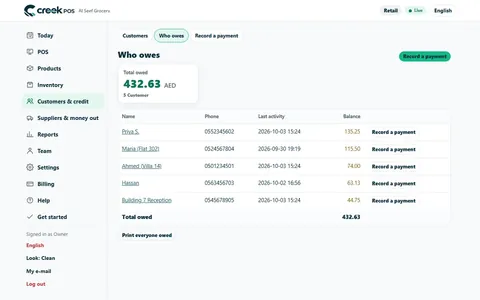
The baqala monthly account keeps regulars loyal, but a notebook loses money. How to set credit rules and limits, record sales and repayments, and collect at month end.

The UAE is introducing mandatory electronic invoicing in phases from 2027. Most shop receipts are not in the first phase, but invoices to companies are. Here is the announced timeline and what to prepare.

A retail receipt and a company invoice are not the same document under UAE VAT. Here is what each must show, when the simplified version is allowed, and how a till handles both.

A month-end pack for a small UAE shop or café: which reports and documents your accountant needs, what to reconcile first, and a timeline that keeps VAT returns calm.

Small counter discounts add up fast. How much a discount really costs, where it leaks, and how a cap per role with quick manager approval keeps your margin intact.
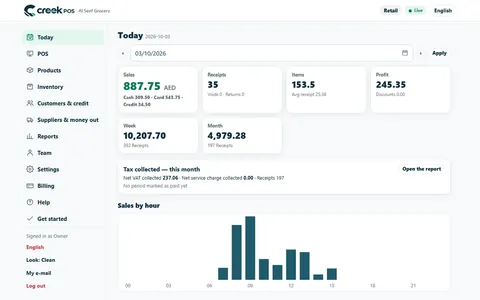
A ten-minute closing routine for a small UAE shop or café: sales, margin, average receipt, the drawer, discounts and stock alerts, in the same order every day.
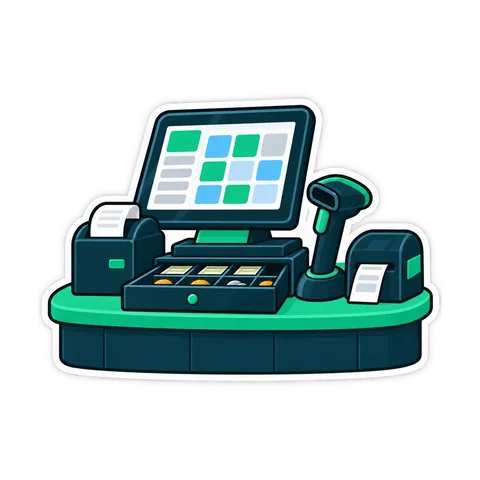
What a UAE shop or café really needs at the till: a 58 or 80 mm thermal printer, a cash drawer that opens from the printer, the right scanner, and what to skip.
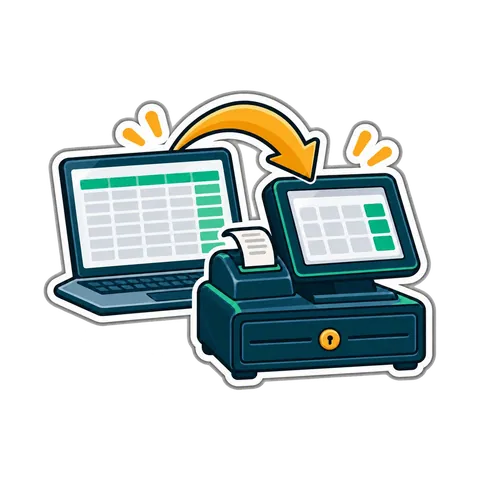
Moving from an old cash register, a notebook or an Excel sheet to a POS takes one weekend if the product list is ready first. A two-day plan for UAE shops.

From the trade licence and food approvals to the menu, equipment, VAT and the first week of service: a practical checklist for opening a cafeteria in the UAE.
A QR code on the table lets guests order, call the waiter and ask for the bill. What that really changes in a UAE café, what stays the same, and how to start.
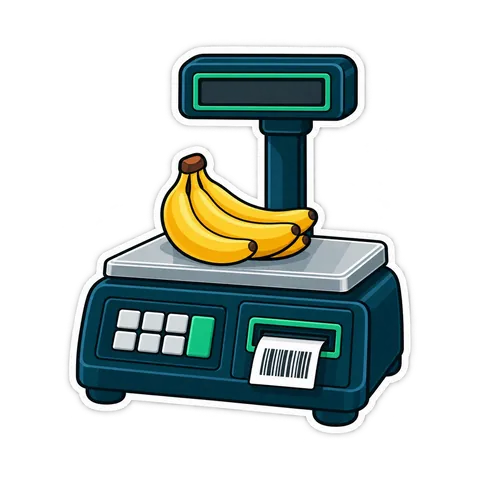
How barcodes work in a UAE shop: EAN-13 numbers from GS1, in-store codes starting with 2, scale labels that carry a weight or a price, and the mistakes that slow a till.
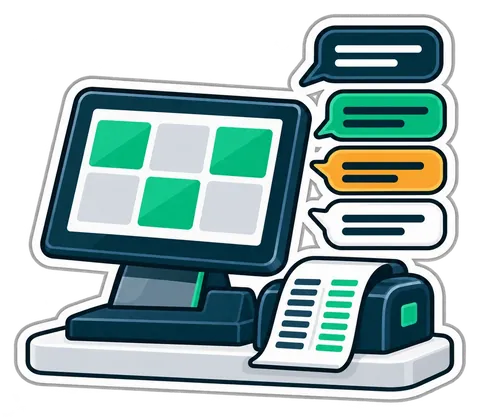
In a UAE shop the cashier, the kitchen and the customers often read different languages. How to name products, set up the till and train staff so nothing gets lost.
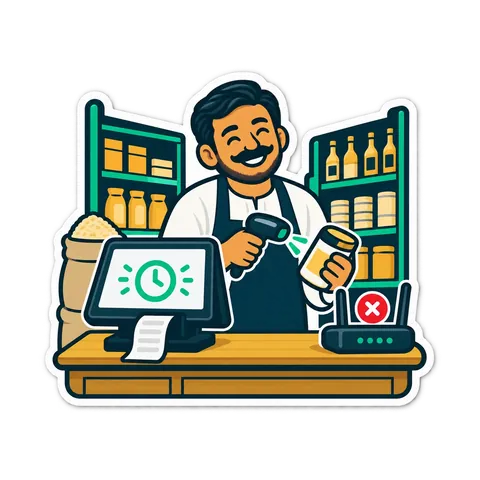
What a shop till should do when the connection goes down, the questions to ask any online POS, and a short checklist so a dropped line never stops the queue.
A shift routine that makes the cash drawer and the card terminal agree with the till every night. Opening float, cash in and out, the Z report and a worked drawer count.
Before you run a discount, work out how many extra sales it needs to pay for itself. Promotion types, worked numbers and a checklist for UAE shops and cafés.
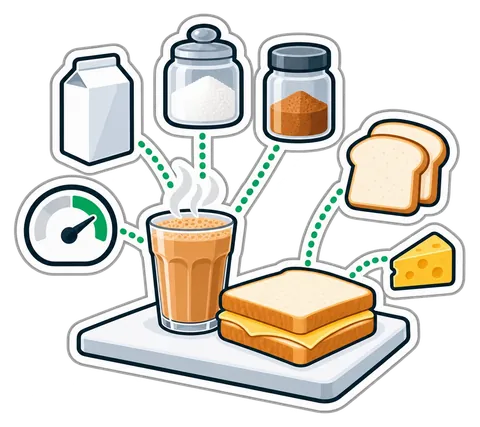
How to cost a recipe, why yield and VAT change the answer, and a weekly routine that shows where food money goes in a UAE café, cafeteria or restaurant.

How to plan and run a stock-take in a small UAE shop in one evening, with zones, two-person teams, recounts and variance valued at cost, so the numbers can be trusted.
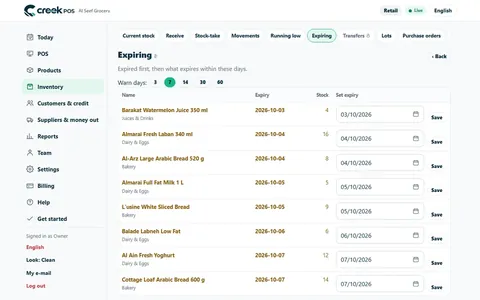
How a UAE grocery or café keeps expired products off the shelf with first-expiry-first-out, a receiving routine, a daily check and early markdowns, with worked numbers.

What a UAE cafeteria, café or small restaurant needs from a till, from fast counter orders and add-ons to kitchen tickets, tables, split bills and food cost.
What a baqala or minimarket needs from a point of sale, from scanning speed and scale labels to monthly accounts, expiry dates and VAT, plus questions to ask first.

When a UAE shop must register for VAT, what the TRN is for, how to price with 5% included and how a quarterly return is worked out, explained with plain examples.
CreekPOS Online free for 14 days, or the program on your PC for 14 days. Every feature, no card.
Search by feature, screen or task. Open a guide and share its link with your team.