

Open an online shop from your till in minutes
You do not need a website, a second price list or a developer to take orders online. What an online shop fed by your till looks like, how to set it up, and how to run delivery and pickup without chaos.
Customers can order from your own online shop and pay the driver in cash. The ordering is the easy part; the money is not. How to run cash-on-delivery orders so every dirham comes back to the drawer.
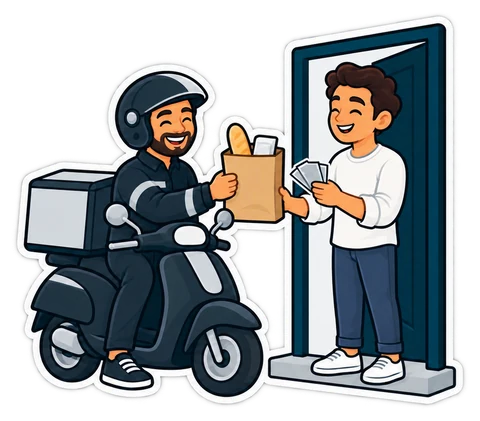
Our article on opening an online shop from your till shows how customers order: they open your link, fill a cart and send the order with their address. This one is about what happens next, when the order is paid in cash, at the door. For a grocery or a café in the UAE that is still the most common way to pay, and it is where small shops lose money without noticing.
Doing step 5 at the till, not on paper, is what keeps stock, receipts, VAT and the drawer right.
Give each driver a small float in change at the start of the shift and record it. Customers pay with AED 100 and 200 notes; a driver without change waits, or rounds in the customer's favour, or in his.
At the end of each shift, settle every driver: the orders he delivered, the cash he should have, the float he took, what he hands over. Count it in front of him. A difference is recorded against that driver and that shift. This is the step most shops skip, and the one that matters.
Sometimes the customer is not home, or refuses the order. Mark it returned, put the goods back in stock (or record the waste for chilled items), and do not complete a sale. Customers who refuse orders twice can be asked to pay at pickup next time.
Online prices should be the till's prices. If you add a delivery fee, show it before the customer sends the order. Do not raise prices online without saying so; customers compare with the receipt.
Weekly: online orders, their average value, the share delivered vs collected, refused orders, and drivers' cash differences. If refused orders grow, call customers to confirm before packing.
The online shop comes with the Restaurant and Chain plans of CreekPOS Online and is a monthly add-on on Retail. Customers pay cash on delivery or when they collect; online card payment is not available yet. Set delivery areas with fees and minimums, pickup and hours in Settings → Online; and manage orders on POS → Online orders, from new to accepted, out for delivery and delivered. If you use the delivery desk for your own drivers, Driver settlement under POS settles each driver's cash at the end of the shift. See the online shop page and the manual.
This article is general information as of its date, not legal or tax advice. Rules change; check the official source or ask your accountant before acting.
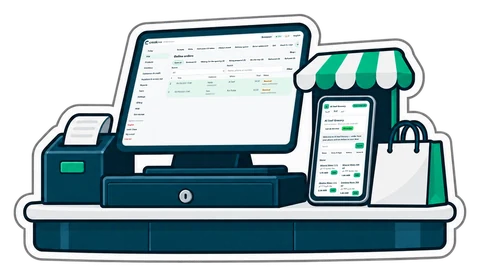
You do not need a website, a second price list or a developer to take orders online. What an online shop fed by your till looks like, how to set it up, and how to run delivery and pickup without chaos.
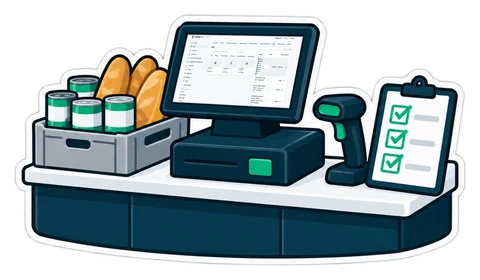
A baqala is not a small supermarket. It sells to the same families every day, on account, by phone and by the kilo, from a counter one metre wide. A checklist built around that counter.
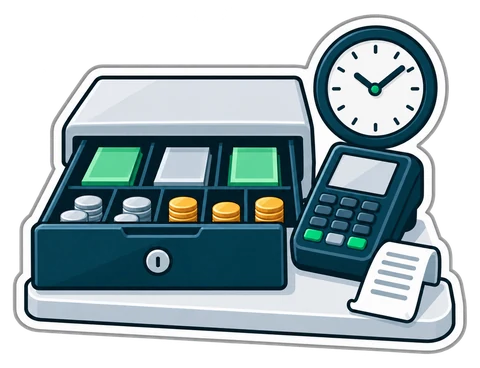
A shift routine that makes the cash drawer and the card terminal agree with the till every night. Opening float, cash in and out, the Z report and a worked drawer count.
CreekPOS Online free for 14 days, or the program on your PC for 7 days. Every feature, no card.
Search by feature, screen or task. Open a guide and share its link with your team.