

Food cost for cafés and restaurants — recipes, portions and waste
How to cost a recipe, why yield and VAT change the answer, and a weekly routine that shows where food money goes in a UAE café, cafeteria or restaurant.
What a UAE cafeteria, café or small restaurant needs from a till, from fast counter orders and add-ons to kitchen tickets, tables, split bills and food cost.
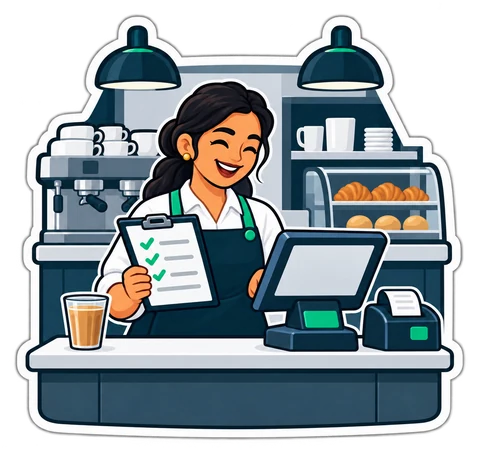
A cafeteria selling karak and sandwiches through a window and a sit-down café with twelve tables need different things from a till, but both live or die by the rush. The right system takes an order in seconds, gets it to the kitchen correctly and tells you at night what each plate really cost.
This guide covers what to look for and what to ask before you choose.
Most food businesses in the UAE fall into one of three shapes, and each puts weight on different features:
| Shape | Typical rush | What matters most |
|---|---|---|
| Cafeteria or counter | Morning karak, lunch sandwiches, iftar | One-screen ordering, add-ons, kitchen tickets, cash speed |
| Café with tables | Afternoons and evenings | Tables, held orders, split bills, service charge |
| Small restaurant | Lunch and dinner | Kitchen display, courses, recipes and food cost |
Be honest about your shape. A cafeteria does not need table plans; a café that cannot hold an open order for table 7 will struggle by Thursday night.
Take the Ramadan iftar rush as a test. Say 120 orders arrive in the 40 minutes before sunset (example, not a statistic). That is one order every 20 seconds, and the till has to keep up.
On a demo, time these yourself:
Shouted orders work until the second cook starts. After that, every missed sandwich is food you pay for twice. Two common setups:
Ask whether drinks made at the counter can stay off the kitchen ticket, and whether add-ons show clearly on it. A ticket that says "sandwich" when the guest asked for "no mayo" sends food back.
For places with tables:
Selling price minus ingredient cost is the margin that pays rent. Without recipes in the system, most owners guess. Here is one item, as an example, not a statistic:
| Chicken sandwich | Cost |
|---|---|
| Bread | AED 0.60 |
| Chicken, 90 g | AED 2.10 |
| Sauce, vegetables, wrap | AED 0.70 |
| Total ingredient cost | AED 3.40 |
| Selling price incl. VAT | AED 12.00 |
| Price before VAT (12 ÷ 1.05) | AED 11.43 |
| Food cost percentage | about 30% |
A good till lets you enter that recipe once, takes the ingredients off stock with every sale, and adjusts for add-ons such as extra chicken. Then the food-cost report shows when a supplier price rise has quietly eaten your margin. More on this in food cost and recipes.
Many cafeterias take delivery orders by phone, WhatsApp or through apps. Ask any supplier exactly how those sales reach your reports. Integrations vary widely, and many small places simply enter app orders at the till as a separate payment or category so the day still adds up.
For food businesses CreekPOS has sizes and add-ons on receipt and ticket, a kitchen display or ticket printer that shows only items that need cooking, tables and held orders, bill splitting, service charge, and recipes that take ingredients off stock with food-cost reports. Table QR ordering and an online menu page come with the Online Restaurant and Chain plans. The full list is on the restaurant features.
Want to try it on a real menu? Open the demo café, no sign-up needed, or start a 14-day trial with your own items.
This article is general information as of its date, not legal or tax advice. Rules change; check the official source or ask your accountant before acting.
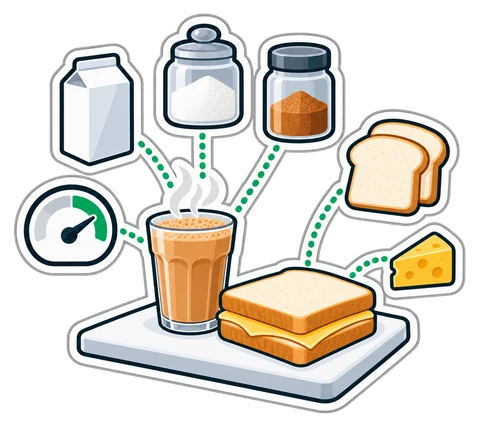
How to cost a recipe, why yield and VAT change the answer, and a weekly routine that shows where food money goes in a UAE café, cafeteria or restaurant.
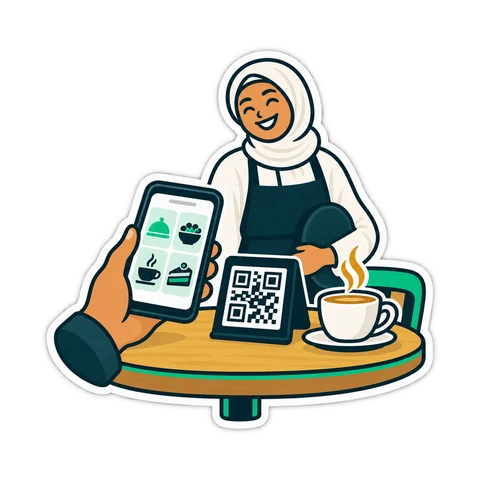
A QR code on the table lets guests order, call the waiter and ask for the bill. What that really changes in a UAE café, what stays the same, and how to start.
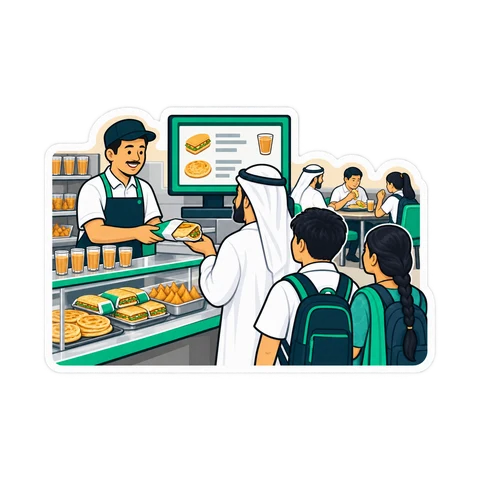
From the trade licence and food approvals to the menu, equipment, VAT and the first week of service: a practical checklist for opening a cafeteria in the UAE.
CreekPOS Online free for 14 days, or the program on your PC for 7 days. Every feature, no card.
Search by feature, screen or task. Open a guide and share its link with your team.