

Kitchen SLA Telemetry, PWA Digital Stamp & VIP Cards, and Recipe Stock Variance
Kitchen prep SLA telemetry, waiter Ready-Bell, table QR pay, PWA digital stamp & VIP cards, BOM stock variance, hourly timers, salon & laundry tools.
Scan and sell on your till — Windows, Mac or Linux — even when the internet drops. Stock, suppliers, customer balances and today's sales follow you on your phone.
Till on Windows, Mac or Linux · phone, tablet or computer for management
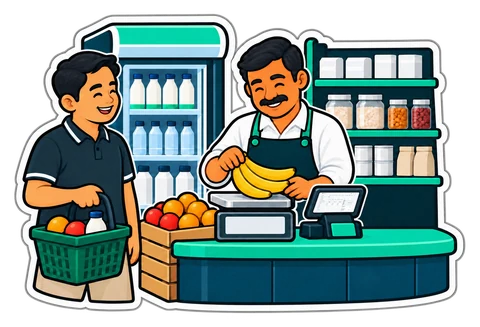
What we show you, in this order, on a real grocery catalogue.
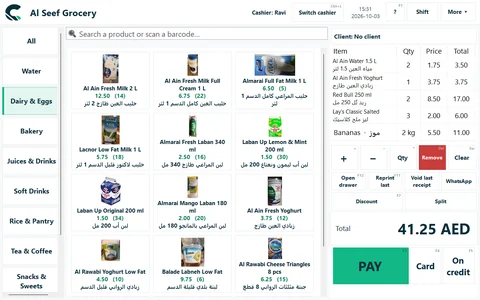
A barcode from the shelf, or a weighed item's scale label; an unknown pack can be added on the spot.
Cash, card or on the customer's account — with the change in large digits.
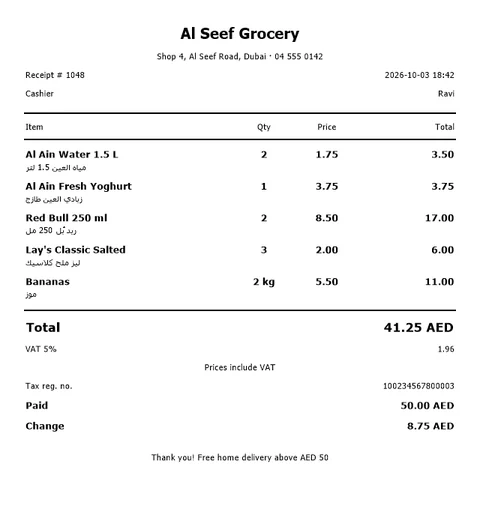
Printed on the 80 mm printer with your logo, TRN and VAT; the drawer opens.
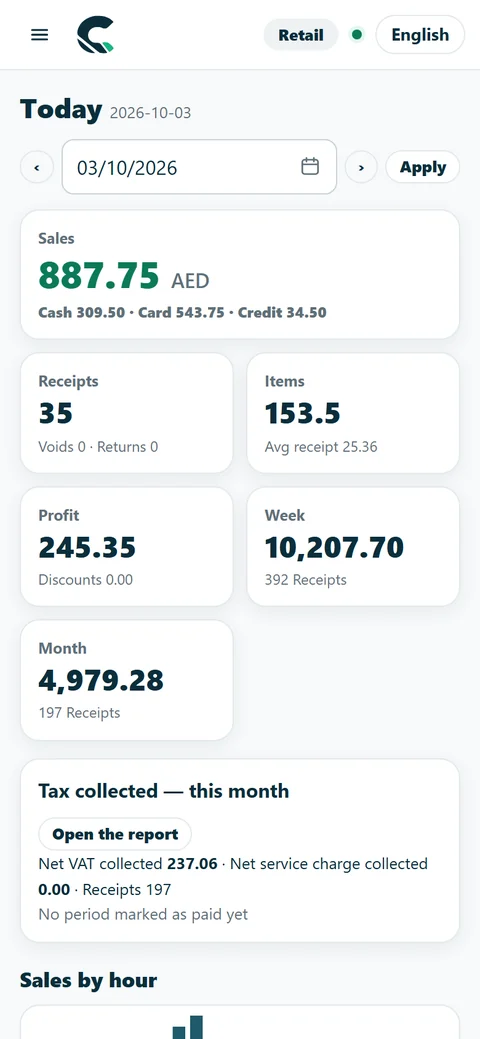
The sale appears on the owner's dashboard: today's sales, profit and best sellers.
Stock went down by what was sold; the customer's balance went up, ready for a statement.
Need more registers or a kitchen? See Restaurant and Chain. All features · All plans and prices
UAE catalogue: product data © Open Food Facts contributors, under the Open Database Licence. openfoodfacts.org · ODbL 1.0

Switched on in Settings; what each needs is under its name.
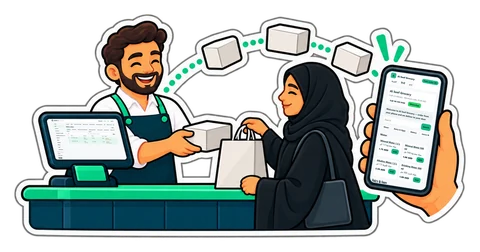
Your products, prices and stock from the till on a shop page in your name; orders arrive at the till. Cash on delivery or pickup.
Restaurant and Chain plans; an add-on on Retail
How it works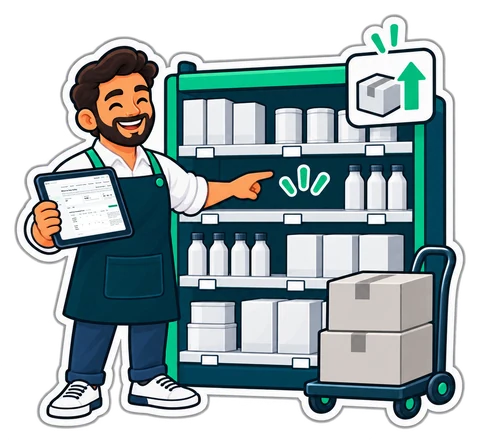
What to buy today, per supplier, each line with its reason — then a purchase order to print, e-mail or send on WhatsApp.
From the Retail plan
How it works
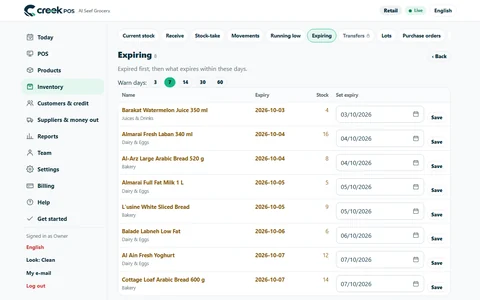
A board of the lots near their date, markdowns you approve, expired lots blocked at the till and a waste report.
From the Retail plan
How it works
Grams, kilos, millilitres or the tola; Scale Price/Weight Barcode Calibrator, tare, custom blends and roast or pack batches — for groceries, perfume shops, roasteries, spices and sweets.
From the Retail plan
How it works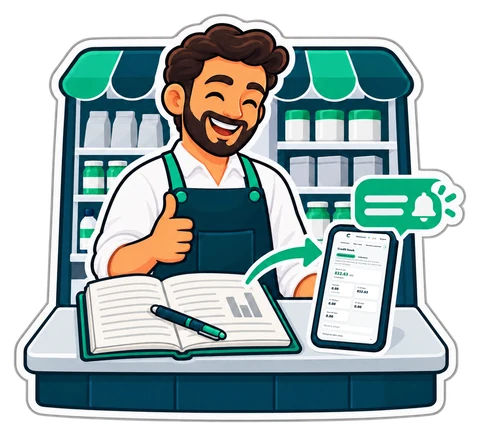
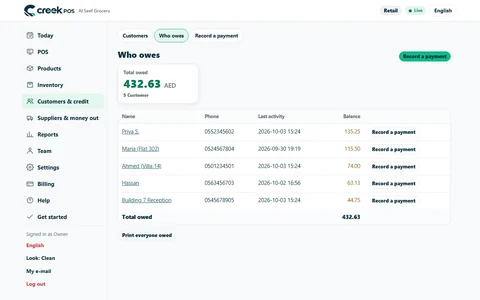
Everyone who owes you, since when and how late, with polite reminders by e-mail or WhatsApp and a link to their statement.
From the Retail plan
How it works
Photograph a supplier's invoice: an AI model reads it and fills in the stock receipt. The software checks every sum and you confirm before anything is saved.
A few readings a month included in paid plans; 2 to try during the trial
How it worksThese features are in CreekPOS Online, switched on by the shop in Settings. The buy-once desktop program does not have them yet. All features · Online shop
Online Retail is the same program in every one of these shops; you switch on what your counter needs.
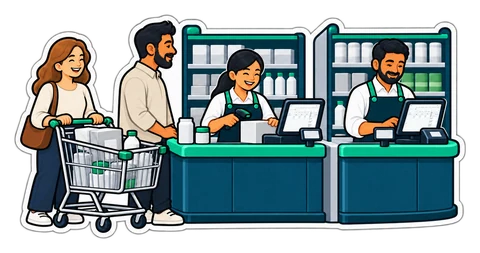
Two tills side by side, fast scanning and scale labels read at the checkout.

Lots and expiry dates; the first-expiring stock sells first.
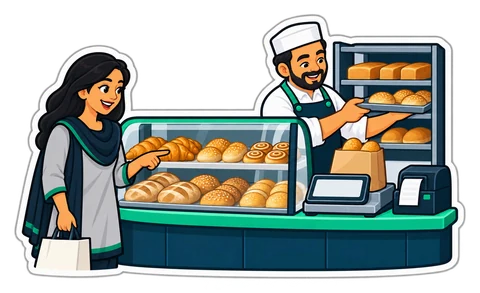
Sell by the piece or by weight, with pictures on the buttons.
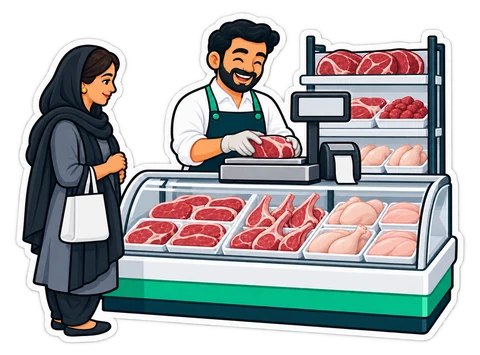
The weight is read from the scale into the sale.

Barcodes and price labels on every piece, and customers on account.

Barcodes, stock per item and receipts with your TRN.
Ask for a quote on WhatsApp or by e-mail before you buy.
VAT 5% on every receipt, your TRN on every printout, simplified and full tax invoices.
Your 10-minute demo is given by the people who build CreekPOS, not a call centre.
Every day 9:00–21:00 UAE time — English and Arabic; Hindi and Urdu by appointment. WhatsApp, phone and e-mail.
English, Arabic, Hindi and Urdu on the screen and on the receipt. Support in English and Arabic; Hindi and Urdu by appointment.
We show you CreekPOS on a screen-share, with your kind of shop and in your language. Tell us when suits you; we confirm on WhatsApp.
Answers in seconds, any time: our WhatsApp assistant replies first, and a person from our team takes over whenever you need one.
Rather look around on your own first? No sign-up: a demo shop of your own, ready in a minute. Try the live demo
We will message you on WhatsApp during support hours to fix the time. Want it sooner? Send us a message now.

Kitchen prep SLA telemetry, waiter Ready-Bell, table QR pay, PWA digital stamp & VIP cards, BOM stock variance, hourly timers, salon & laundry tools.
Expired stock is an ordering problem before it is a shelf problem. How to order by the numbers, mark down in time, block what has expired and measure the waste, with a worked example.
What a baqala or minimarket needs from a point of sale, from scanning speed and scale labels to monthly accounts, expiry dates and VAT, plus questions to ask first.
How a UAE grocery or café keeps expired products off the shelf with first-expiry-first-out, a receiving routine, a daily check and early markdowns, with worked numbers.
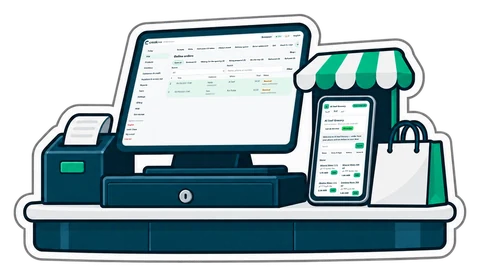
You do not need a website, a second price list or a developer to take orders online. What an online shop fed by your till looks like, how to set it up, and how to run delivery and pickup without chaos.
How barcodes work in a UAE shop: EAN-13 numbers from GS1, in-store codes starting with 2, scale labels that carry a weight or a price, and the mistakes that slow a till.
The baqala monthly account keeps regulars loyal, but a notebook loses money. How to set credit rules and limits, record sales and repayments, and collect at month end.
Usually, yes. Common USB receipt printers are set up by the installer, and any USB scanner in keyboard mode works. Send us the model or a photo before you buy anything new.
The till keeps selling — cash, card and credit — and takes returns of receipts it already holds. It syncs in order when the line is back; nothing is doubled.
From Excel or CSV, with a preview before anything changes. Product import from a spreadsheet is part of setup.
CreekPOS Online free for 14 days, or the program on your PC for 7 days. Every feature, no card.
Search by feature, screen or task. Open a guide and share its link with your team.