




AI Front Desk

Your WhatsApp answers, takes the order and sends it to the till

Coming soon

Customers already write to your shop on WhatsApp: “do you have the 5 kg rice?”, a voice note from the car, a photo of a shopping list. The Front Desk answers on your own WhatsApp Business number, from your own menu, prices, stock and hours. It builds the order, reads it back, and only the customer's “yes” sends it to the till and the kitchen. When a person is needed, it hands the chat to your staff.

An add-on of Online Restaurant and Chain: AED 99 a month before VAT.

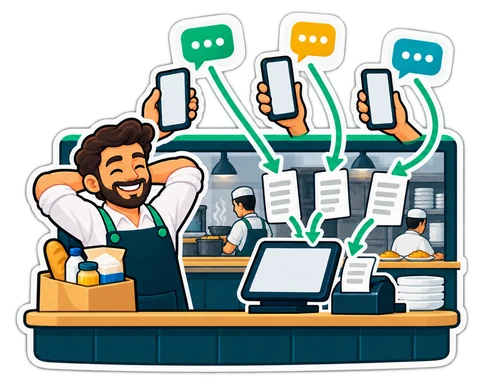
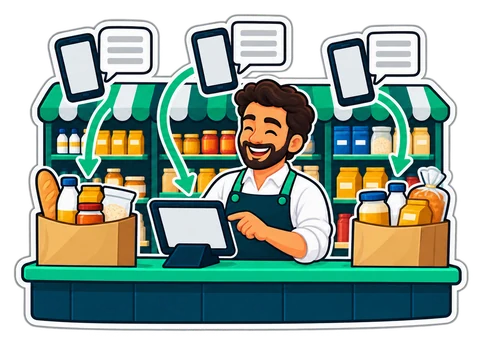
A restaurant counter where WhatsApp messages from several phones turn into order tickets
  • Answers from your own menu, prices and stock
  • Only the customer's “yes” places an order
  • Voice notes and photos understood
  • Hands over to your staff in one tap

01Orders

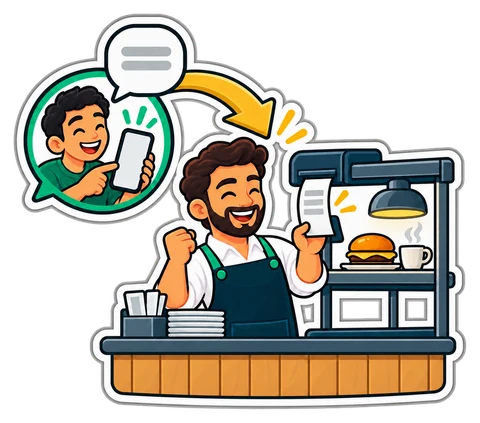
From a WhatsApp chat to a ticket in the kitchen

A customer writes “2 chicken shawarma, 1 karak, delivery to Al Nahda”. The Front Desk looks up each item in your menu, prices it exactly as your online shop does (options, offers, VAT, the area's delivery fee and minimum), and reads the order back with the total. The customer says yes, and the order goes through your online shop's own checkout to the till and the kitchen, like any online order.

  • Pickup or delivery to your delivery areas, cash on delivery
  • The AI never confirms anything itself: a “yes” or the Confirm button does
  • A “yes” checks the prices and stock again before the order is placed
  • Order status (accepted, on the way, delivered) goes back to the customer on WhatsApp
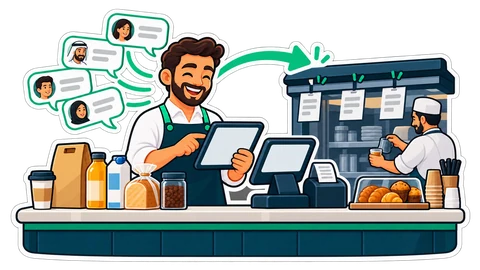
A customer's WhatsApp message carried to a café counter, where it becomes a kitchen ticket
A WhatsApp message becomes a ticket on the pass

02Your stock

It checks before it promises

Every price, every “yes, we have it”, every opening hour comes from your shop at that moment: the products and options the online shop shows, what is sold out, today's hours and delivery areas. It never invents a price or an item, and it never promises anything outside your rules.

  • Sold-out items are offered as sold out, not taken
  • “Are you open?” and “where are you?” answered from your shop's settings
  • Your own questions and answers (parking, allergies, payment) teach it the rest
  • Replies in the customer's language: Arabic, English, Hindi, Urdu, Malayalam, Bengali
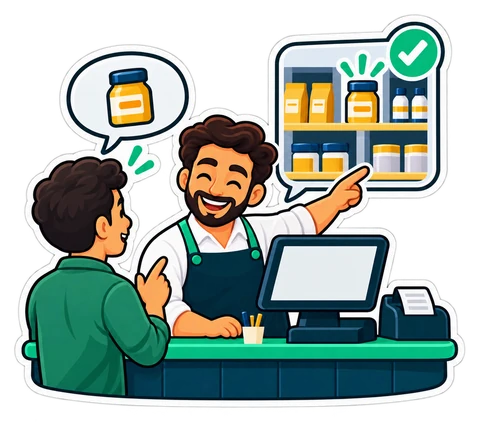
A customer asks for a jar and the shopkeeper's answer shows it on the shelf with a tick
Asked for a jar, it checks the shelf first

03Voice notes

Voice notes, the way customers really order

A voice note is written out and treated like a typed message. When the recording is unclear, the Front Desk does not guess: it answers “I heard «…». Did you mean …?” with the closest items on your menu, or asks the customer to type it. When it is only fairly sure, it reads back what it understood before proposing anything.

  • Notes up to three minutes
  • The audio is not kept, only the words
  • Arabic, English, Hindi and Urdu voice notes
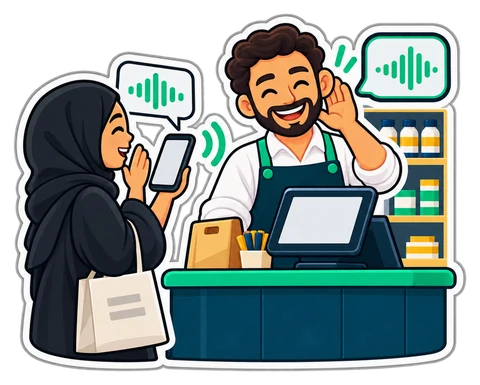
A customer sends a voice note from her phone and the shopkeeper's reply comes back
A voice note from the customer, a written reply from the shop

04Photos

A photo of a list or an empty jar

Customers send a picture of a handwritten shopping list, a product they want again, or a shelf label. The Front Desk reads it, finds the items in your catalogue and proposes the order line by line for the customer to confirm. Your staff see the photo in the inbox too.

  • A list becomes order lines the customer confirms
  • A product photo becomes a search of your catalogue
  • Pictures count against your shop's picture space and are kept 90 days
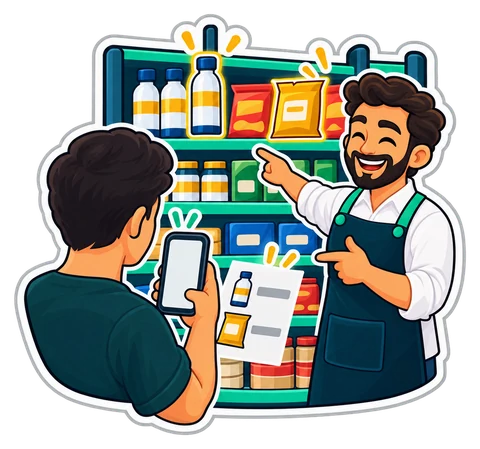
A customer photographs a shopping list and the same items light up on the shop's shelf
The items in the customer's photo, found on the shelf

05Bookings

Bookings by chat for salons, clinics and tables

With Bookings switched on, the Front Desk offers the free times of a service, holds the chosen slot for ten minutes and books it when the customer confirms. Your own Bookings rules decide whether it is confirmed at once or waits for you.

  • Only free slots are offered: never a double booking
  • The customer's name and WhatsApp number go on the booking
  • Table reservations work the same way
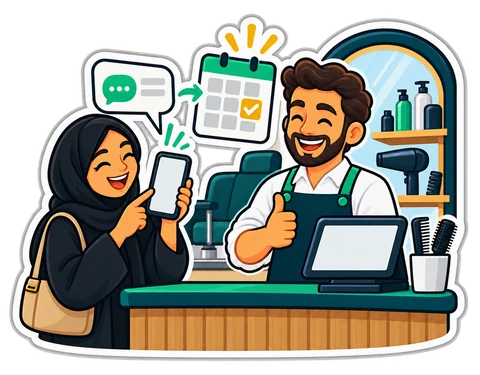
A salon customer books an appointment by chat, ticked on the week's calendar
A salon booking made in the chat, ticked in the week's calendar

06Hand-off

A person takes over when it matters

When a customer asks for a person, complains, or asks something your shop has not told it, the Front Desk stops, tells the customer once that a member of the team will answer here, and alerts your till and phone. Your staff answer in the Front desk inbox and give the chat back to the assistant when they are done.

  • Take over, Return to the assistant, Assign to a colleague
  • An owner alert if a hand-off waits 15 minutes
  • Each message shows whether WhatsApp delivered and read it
  • “Stop” from a customer stops all messages to them
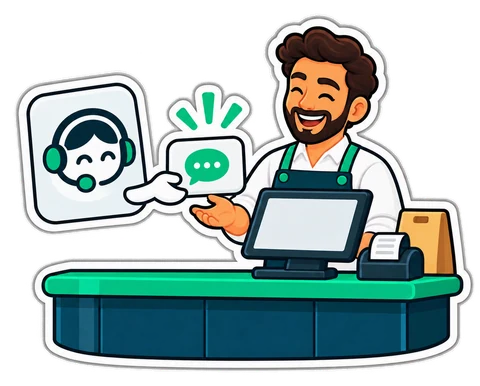
The assistant hands a customer's chat to the smiling cashier at the till
The assistant hands the chat to the cashier

07Your shop's facts

It answers from your shop's own facts, and tells you what it could not

The Front Desk reads what your shop already knows: your questions and answers, your notes under “What customers ask” (returns, allergens, parking), the catalogue's descriptions and options, your hours, pickup and delivery, your online shop's details and the stamp card's rule. A question it could not answer is listed for you: answer it once, and the answer is used next time.

  • Prices always come from the live catalogue, never from your notes
  • Unanswered questions listed by how often customers asked them
  • “Try a question” shows what it would read before you rely on it
  • Up to 60 answers and 40 notes of your own
Questions it could not answer, waiting for the owner's one reply

08Customer memory

It remembers your regulars, not their secrets

For each customer the Front Desk keeps a short summary across conversations: what they like, past problems, anything still open. A regular who always asks for less sugar in the karak does not have to say it again.

  • Card numbers, passwords and codes are never kept
  • You choose how long messages are kept: 30 to 365 days
  • Forget or Erase a customer in one tap
  • A customer's “delete my data” becomes a case for your team
A regular's preferences remembered from one chat to the next

09Cases

An open problem becomes a case your team closes

When something needs a person, a late delivery, a wrong item, a call back, the Front Desk opens a case with a brief: what happened, the facts, what was tried, the actions it proposes and how urgent it is (urgent only when the customer's own words show it). The case is assigned, reminded and followed until it is closed.

  • “Call me back” is arranged as a case
  • A time is saved as agreed only on the customer's own words
  • At most one suggestion per reply (order, book, stamp card, review), and “not now” is respected
  • Closing a case never switches the assistant back on by itself
A customer's problem handed to the team with a clear brief

10Reply checks

Short answers, checked before they are sent

The Front Desk answers first, in one to three sentences, and asks one question at a time. It says it is an AI when asked. A risky reply, about a photo, a voice note or a question it already asked, gets a second check and one repair. A reply that still breaks the rules is never sent: a person takes the chat.

  • Never pretends to be a person
  • Never asks for card numbers, passwords or codes
  • No links but your shop's own
  • Past your shop's daily budget, messages are still taken in for your team: nothing is lost
A reply checked twice before it leaves

11Modes

You decide how much it does

Start carefully and let it do more as you trust it. Each mode can be changed at any time in Settings → Front desk.

  • Off: nothing answers; messages still reach the inbox
  • Draft: the AI writes each reply, your staff press Send
  • Pilot: automatic for the numbers you list (yours, your family's), drafts for everyone else
  • Auto: it answers everyone, and hands over when it should
A neighbourhood grocery where shopping lists sent by phone become bags of groceries
From a baqala to a busy restaurant, the same idea
Getting started

Four steps to a front desk that never sleeps

Everything is in Settings → Front desk. We help you on a call or on WhatsApp if you would like.

  1. Connect your number

    Your own WhatsApp Business account

    1. Set up WhatsApp Business through Meta's WhatsApp Cloud API.
    2. Copy its details into Settings → Front desk.
    3. Paste the address and code the page shows into Meta.
    4. Press Check the connection.
  2. Tell it about your shop

    Name, tone and your own answers

    1. Give the assistant a name and a tone: friendly, formal or brief.
    2. Add the questions customers ask you, with your answers.
    3. Check your online shop's delivery areas, fees and hours.
  3. Choose the mode

    Start with Draft or Pilot

    1. Draft: read every reply before it goes.
    2. Pilot: let it answer your own number first.
    3. Auto when you are happy with what you see.
  4. Watch the inbox

    On the till and on your phone

    1. Handed-off chats come first in the Front desk inbox.
    2. Answer, assign or return a chat to the assistant.
    3. See the month's chats, orders and bookings under Usage.

Card numbers, IBANs and passwords typed by a customer are masked before anything is stored or sent. Messages and photos are kept 90 days.

Plain answers

What it is, and what it is not

  • It needs your own WhatsApp Business account on Meta's WhatsApp Cloud API; the WhatsApp app on a phone alone is not enough.
  • Orders are paid on pickup or cash on delivery: it never takes or claims a payment.
  • WhatsApp allows free replies only within 24 hours of the customer's last message; after that it sends only an approved order-status message.
  • It does not send promotions or broadcasts.
  • Each day has a limit of AI replies (200 on Restaurant, 600 on Chain) and your shop's daily budget; past them, messages are still taken in and your staff answer: nothing is lost.
  • Messages pass through Meta (WhatsApp) and our AI providers to be answered and voice notes to be written out; they are not used to train their models.
Which plans include it

Which plans can add the Front Desk

The Front Desk is an add-on at AED 99 a month before VAT. Orders need your online shop switched on; bookings need Bookings.

Retail

AED99/ month

Not available: move up to Restaurant at any time

Chain

AED300/ month

Add-on (coming soon)

Buy-once desktop program: Not in the buy-once program

Prices exclude 5% VAT. Launch offer: 25% off until 13 November 2026, code LAUNCH25 applied automatically.

Compare all plans Read the manual chapter

Questions about the AI Front Desk

Is this a chatbot with fixed buttons?

No. It is an AI assistant that reads what the customer writes or says, in their own words and language, and answers from your shop's live menu, prices, stock and hours. Greetings, opening hours, “stop” and “a person please” are answered by fixed rules without the AI.

Can it place an order the customer did not want?

No. It proposes the order and reads it back with the total; only the customer's “yes” (or the Confirm button) places it, and the prices and stock are checked again at that moment. A repeated “yes” never makes a second order.

Do I need a new phone number?

You need a WhatsApp Business account on Meta's WhatsApp Cloud API. That can be a new number or, after moving it to the Cloud API, your current business number. We guide you through it on a call or on WhatsApp.

What does it cost?

The Front Desk is an add-on of Online Restaurant and Chain at AED 99 a month before VAT. Meta may charge its own fees for WhatsApp messages.

Which languages does it speak?

It replies in the customer's language: Arabic, English, Hindi, Urdu, Malayalam and Bengali, including Arabic written in Latin letters and Hinglish.

What happens when it does not know the answer?

It asks the customer, or hands the chat to your staff with one polite message, and the question goes on your list of unanswered questions in Settings → Front desk. Answer it once and the Front Desk uses your answer next time.

Does it remember my customers?

It keeps a short summary per customer (preferences, past problems, open matters) for your shop only, never card numbers, passwords or codes. You set how long messages are kept, and Forget or Erase a customer at any time.

Is the Front Desk the same as Ask your shop?

No. Ask your shop answers you and your staff about your own figures. The Front Desk answers your customers on WhatsApp, about your menu, prices, stock and hours, and never shows them your reports.

Also built in: Books Bookings HR & attendance Connect your AI Features

Let your WhatsApp take the order

The AI Front Desk is coming soon to Online Restaurant and Chain, as an add-on at AED 99 a month before VAT. Until then, the free 14-day trial lets you try the rest of CreekPOS Online.

Help centre

Search by feature, screen or task. Open a guide and share its link with your team.

How to use this feature Help centre