

From a cash register or Excel to a POS in one weekend
Moving from an old cash register, a notebook or an Excel sheet to a POS takes one weekend if the product list is ready first. A two-day plan for UAE shops.
The biggest fear when changing point of sale is a week of typing. What you can bring over from your old system or spreadsheet, what you cannot, and a step-by-step plan that keeps the shop open.
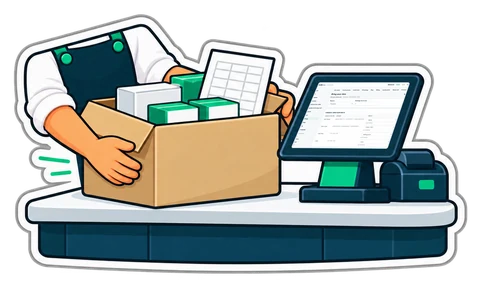
Ask an owner why they still use a till they dislike and the answer is rarely the price. It is "I have 3,000 products in there" and "my customers owe me money and it's all in the old system". Nobody wants to spend a week typing barcodes, or lose track of who owes what.
The good news: almost everything that matters can come across in one afternoon, if you do it in the right order.
Sales history. Old receipts belong to the old system and your accountant's files; importing them invites duplicates and wrong VAT reports. Keep an export of the old system for reference, and start the new one with opening balances: what each customer owes and what you owe each supplier on the day you switch. That is all the new till needs to carry on.
Pick the evening before your slowest day. Import products and customers, set the opening balances to that date, and run the first morning on the new till with the old one still available for lookups. Most shops never open the old one again after the second day.
Mistakes happen: the wrong file, prices in the cost column. The import should be one batch you can undo for a while, without touching anything you sold since.
CreekPOS Online has Settings → Bring your data for products, customers, suppliers, opening balances and opening stock, from Excel (.xlsx) or CSV, in any column order and in English, Arabic, Hindi or Urdu headings. The exports of several common systems are recognised as they are, with empty templates for shops starting from scratch. You see every finding and the dry run before importing, and you can undo an import for 30 days. It is available from the Retail plan; product import from a spreadsheet is also part of our setup help. See the manual chapter or start a free trial and try it with your own file.
This article is general information as of its date, not legal or tax advice. Rules change; check the official source or ask your accountant before acting.
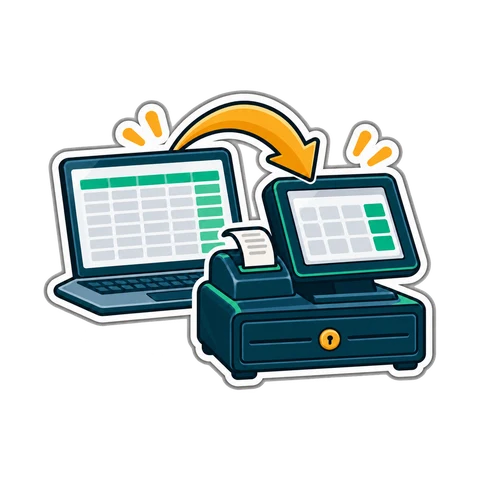
Moving from an old cash register, a notebook or an Excel sheet to a POS takes one weekend if the product list is ready first. A two-day plan for UAE shops.

How to plan and run a stock-take in a small UAE shop in one evening, with zones, two-person teams, recounts and variance valued at cost, so the numbers can be trusted.
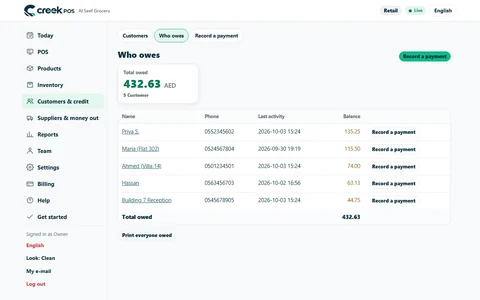
The baqala monthly account keeps regulars loyal, but a notebook loses money. How to set credit rules and limits, record sales and repayments, and collect at month end.
CreekPOS Online free for 14 days, or the program on your PC for 7 days. Every feature, no card.
Search by feature, screen or task. Open a guide and share its link with your team.