

For laundries and dry cleaners

Every shirt tagged, every deposit counted, every customer told

Take the order at the till, print a numbered ticket and a tag for each piece, take a deposit, and let the customer follow the job from a QR code — until they collect and pay the rest.

CreekPOS Online Retail from AED 99 132 / month · + 5% VAT

These features are in CreekPOS Online, switched on by the shop in Settings. The buy-once desktop program does not have them yet.

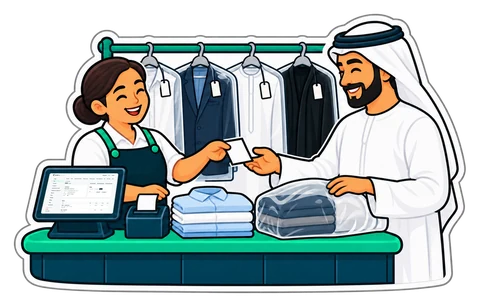
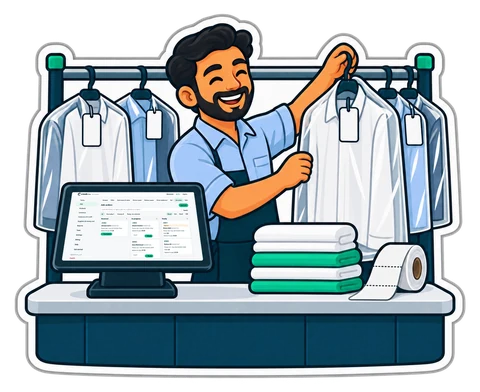
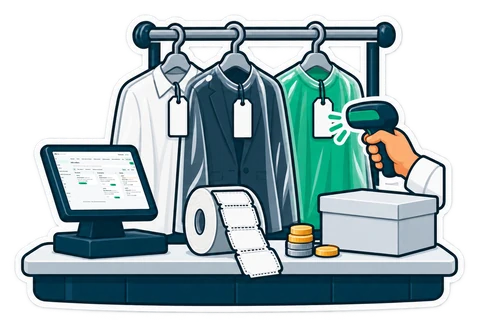
A laundry counter with tagged garments and a till

Made for

  • Laundries and dry cleaners
  • Ironing and pressing shops
  • Shops that collect and deliver laundry
  • A counter with one till or several
What matters in your shop

The five things a laundry needs

Switched on in Settings → Job orders with the Laundry template; everything stays editable.

  • Available now in CreekPOS Online

    Tickets, tags and a board

    Tap the items into the cart as for a sale and press Job: a numbered ticket with a QR, a shop copy and a tag per piece. The board moves each job from Received to Ready.

    From the Retail plan

    How it works
  • Available now in CreekPOS Online

    Regulars on account

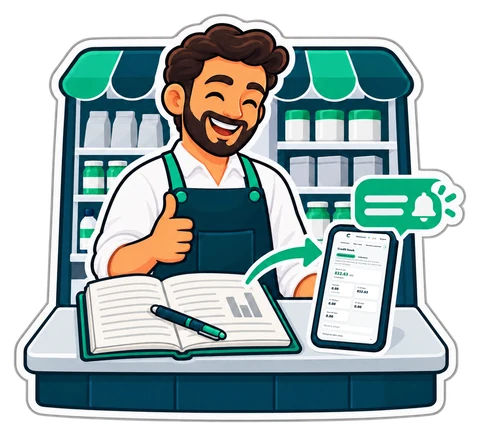
    Hotels and regular customers pay at the month's end: the credit book shows who owes what and sends polite reminders.

    From the Retail plan

    How it works
  • Available now in CreekPOS Online

    Know what happens at the counter

    A voided ticket, a big discount or a short drawer reaches your phone, with the cashier and the receipt.

    From the Retail plan; by Telegram from the Restaurant plan

    How it works
  • Available now in CreekPOS Online

    Staff hours

    Washers and ironers clock in on the till; the timesheet adds up the hours and the overtime.

    Clock-in and timesheets from the Retail plan; commission and advances from the Restaurant plan

    How it works
  • Available now in CreekPOS Online

    Bring your price list

    Load your services and your customers from Excel or CSV instead of typing them.

    From the Retail plan

    How it works
A day in the shop

A day at a laundry with CreekPOS

With job orders switched on and the shop's own prices.

  1. 09:10

    Mona brings 5 shirts (one with a coffee stain), a suit and 2 bedsheets, express. The cashier taps them in, presses Job, types her phone number, ticks Express and notes the stain. She leaves a 100.00 deposit.

  2. 09:12

    Out come Mona's ticket J0042 with a QR, the shop copy and 8 tags, J0042/1 to J0042/8. The deposit is recorded as a deposit, not a sale.

  3. 11:00

    The board shows J0042 under Received; the washer taps In progress.

  4. 17:30

    Ironed and bagged: Ready, shelf B4. Mona gets an e-mail and the cashier presses Send on WhatsApp. Her QR page says Ready and what is left to pay.

  5. Next day

    Mona shows her ticket. The cashier scans it and presses Collect: the deposit pays first, she pays the rest in cash and the receipt prints.

  6. Month end

    The job orders report: received, ready and collected, the average time to ready, the deposits held, and pieces ready but not collected for 30, 60 or 90 days.

One plan, everything on this page

Job orders are part of CreekPOS Online from the Retail plan, the lowest one.

  • 14 days free, no card
  • 2 tills, each selling offline
  • Your data is yours: export everything, any day

Retail

AED99/ month

Launch offer: 25% off until 13 November 2026, code LAUNCH25 applied automatically.

Prices exclude 5% VAT.

Start your 14-day trial All plans and prices
Book a demo

Book a 10-minute demo

We show you CreekPOS on a screen-share, with your kind of shop and in your language. Tell us when suits you; we confirm on WhatsApp.

  • 10 minutes, no obligation
  • Your shop type, your questions
  • In English or Arabic — Hindi or Urdu by appointment

Chat on WhatsApp

Answers in seconds, any time: our WhatsApp assistant replies first, and a person from our team takes over whenever you need one.

Rather look around on your own first? No sign-up: a demo shop of your own, ready in a minute. Try the live demo

We use these details only to arrange your demo. Privacy

Laundry questions

Can customers collect a few pieces at a time?

Yes. Each collection is an ordinary sale at the till; the deposit pays first and the rest is paid in cash or by card.

Does it print a tag for each piece?

Yes, on a label printer: one tag per piece with the job number and a barcode, so a scan finds the job.

Does it work without the internet?

Taking a job and printing its ticket and tags work offline on the till app; moving a job along and collecting it need the connection.

Also made for: TailoringRepair shopsPerfume & oudRoasteries & spices Retail Restaurant

Try CreekPOS free

CreekPOS Online free for 14 days, or the program on your PC for 7 days. Every feature, no card.

Help centre

Search by feature, screen or task. Open a guide and share its link with your team.

Help centre