

Open an online shop from your till in minutes
You do not need a website, a second price list or a developer to take orders online. What an online shop fed by your till looks like, how to set it up, and how to run delivery and pickup without chaos.
Available now in CreekPOS Online
Many families buy almost the same basket every week. From the receipt page, Order the same again fills the online shop's cart at today's prices, or shows a QR the cashier scans to refill the till.
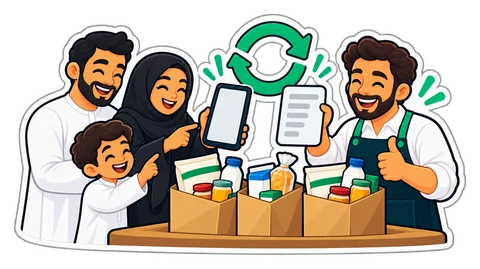
Imagine a baqala in Al Nahda and one of its regular families. Every Thursday it is the same basket: rice, laban, eggs, two loaves of bread, tissues, dish soap, a bag of onions, the children's juice boxes. Sometimes the mother sends a long WhatsApp message, sometimes she reads the list out on the phone, sometimes her son comes with a note. Every week the cashier types or scans the same twenty lines again, and every week something is missed.
The list already exists. It is last week's receipt.
After the sale, the cashier shares the receipt by WhatsApp from the Receipts page. When the shop has its online address set up (Settings → Online), the message carries a link to the customer's receipt page. The page shows what the paper showed and nothing more: the lines, the totals, the VAT. No customer name, no cashier, nothing a stranger could use.
Under the receipt, the customer sees Order the same again.
If your online shop is switched on, the button opens it with the cart already filled from the receipt:
The customer checks the cart, adds a watermelon, removes the juice the children are tired of, and checks out like any other online order, for pickup or delivery. The order reaches your till like every online order.
If you do not run an online shop, the receipt page shows a QR with "show this at the till" instead. The customer walks in (or sends her son) and shows the phone. The cashier scans the QR with the till's scanner, as if it were a barcode, and the till refills the cart from its own copy of that receipt. A short message says what happened: "3 items of receipt 1042 are in the cart. No longer sold: …".
The cart is at today's prices, ready to adjust and pay. The online till even refills a receipt it printed itself while the internet is down.
Order the same again brings back the products, not their options. A "large karak with extra ginger" comes back as karak: the base product goes in, and the cashier (or the online shop's default option) sets the size again. For a café that is one more tap; for a baqala it rarely matters.
Weighed items keep their weight (1.250 kg of onions comes back as 1.250 kg); items sold by the piece come back as whole pieces.
See order the same again on the e-receipt page and the online shop.
This article is general information as of its date, not legal or tax advice. Rules change; check the official source or ask your accountant before acting.
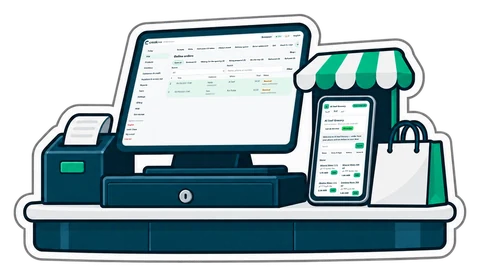
You do not need a website, a second price list or a developer to take orders online. What an online shop fed by your till looks like, how to set it up, and how to run delivery and pickup without chaos.
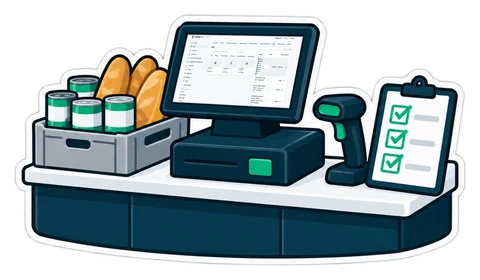
A baqala is not a small supermarket. It sells to the same families every day, on account, by phone and by the kilo, from a counter one metre wide. A checklist built around that counter.
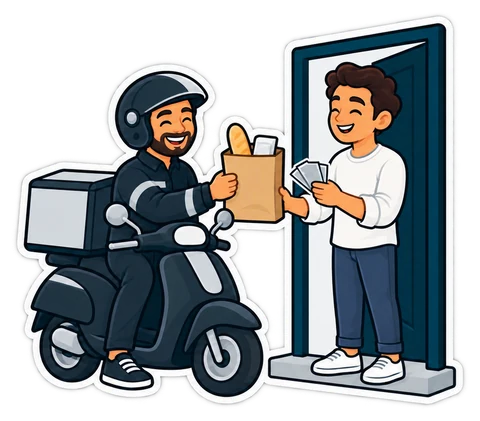
Customers can order from your own online shop and pay the driver in cash. The ordering is the easy part; the money is not. How to run cash-on-delivery orders so every dirham comes back to the drawer.
CreekPOS Online free for 14 days, or the program on your PC for 7 days. Every feature, no card.
Search by feature, screen or task. Open a guide and share its link with your team.