

Choosing a POS for a grocery or minimarket in the UAE
What a baqala or minimarket needs from a point of sale, from scanning speed and scale labels to monthly accounts, expiry dates and VAT, plus questions to ask first.
A baqala is not a small supermarket. It sells to the same families every day, on account, by phone and by the kilo, from a counter one metre wide. A checklist built around that counter.
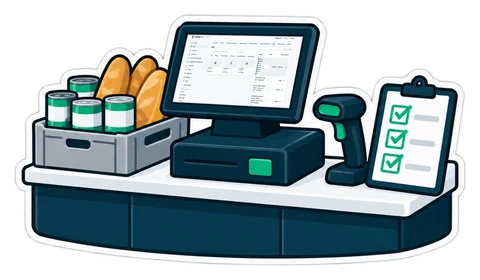
A neighbourhood baqala looks simple from the outside: a fridge of water and milk, shelves of rice and tea, a counter with a scale and a drawer. Inside, it runs a business most supermarket systems were never designed for. The same families buy every day, half of them on a monthly account. Orders arrive by phone and WhatsApp. Bananas and tomatoes are sold by the kilo, a pack of cigarettes or a phone card by the piece. The person at the counter may speak Hindi, Urdu, Malayalam or Arabic, and the owner checks the day from home.
Our general guide to choosing a grocery POS covers the basics. This checklist is narrower: the baqala's own day, in the order it happens.
The morning rush is water, milk, bread and eggs. Every second at the counter counts.
In many baqalas a third of the sales are "write it down". The notebook works until it is lost, a page is torn, or a family disputes a figure at the end of the month.
A call comes in: "the usual, plus two bottles of water, to Villa 12". The order should sit on the till as a held order until the boy is back from the last delivery, then be paid in cash, by card or on account. If you want customers to order by themselves, an online shop fed by the till does the same with cash on delivery.
A baqala has no warehouse and no time for a monthly count of every shelf.
If the shop is registered, every receipt carries the heading, the shop's name, address and TRN, the lines, the total and the VAT amount, and an A4 tax invoice is available when a company asks for one. Our article on what a till receipt shows lists the fields. Your accountant decides what applies to you; the till only prints it right.
The cashier should be able to use the till in their own language while the receipt prints in the shop's language, and products can carry two names (English and Arabic) so anyone can find them. Ask for a demo in the language your staff actually reads.
Most baqala owners run more than the shop. They need the day's sales, the cash in the drawer and anything unusual (a void, a big discount, a drawer that came up short) on their phone, without calling the cashier.
The router will restart in the middle of the evening rush one day. The till must keep selling, printing receipts and taking cash, and send the sales when the line is back. See what happens when the internet drops mid-sale.
CreekPOS was built for exactly this counter: scanning with the UAE catalogue, sales by weight, customer accounts and the credit book, held orders, expiry and reorder, receipts with your TRN, and the till in English, Arabic, Hindi and Urdu. It runs as CreekPOS Online (monthly, the owner sees everything on the phone) or as a program you buy once for the shop PC. Compare them on the grocery page and the pricing page.
This article is general information as of its date, not legal or tax advice. Rules change; check the official source or ask your accountant before acting.
What a baqala or minimarket needs from a point of sale, from scanning speed and scale labels to monthly accounts, expiry dates and VAT, plus questions to ask first.
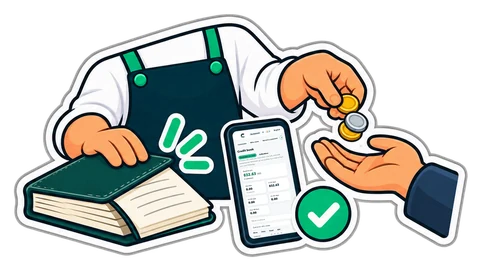
Monthly accounts keep regular customers loyal, and quietly eat a shop's cash. A credit book with terms, limits, ageing, statements and polite reminders turns "write it down" into money that comes back.
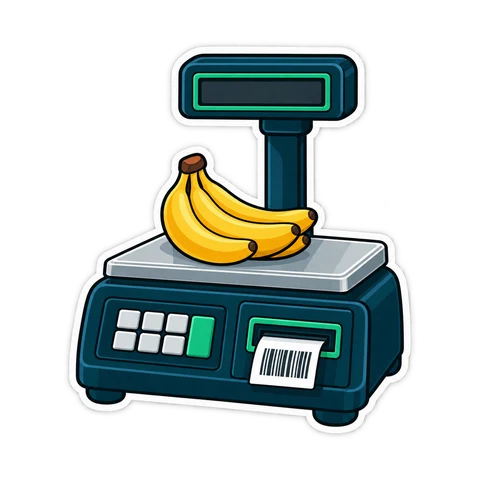
How barcodes work in a UAE shop: EAN-13 numbers from GS1, in-store codes starting with 2, scale labels that carry a weight or a price, and the mistakes that slow a till.
CreekPOS Online free for 14 days, or the program on your PC for 7 days. Every feature, no card.
Search by feature, screen or task. Open a guide and share its link with your team.