

Kitchen SLA Telemetry, PWA Digital Stamp & VIP Cards, and Recipe Stock Variance
Kitchen prep SLA telemetry, waiter Ready-Bell, table QR pay, PWA digital stamp & VIP cards, BOM stock variance, hourly timers, salon & laundry tools.
Take orders with sizes and add-ons on your till — Windows, Mac or Linux — send them to the kitchen and hold tables, then check the day's sales and best sellers from your phone.
Till on Windows, Mac or Linux · phone, tablet or computer for management
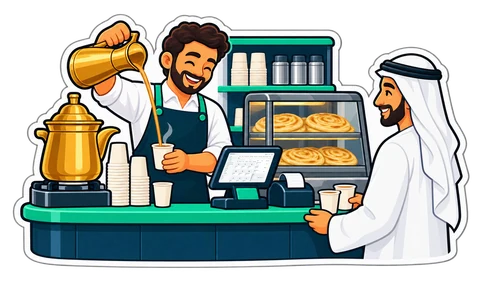
What we show you, in this order, on a real café menu.
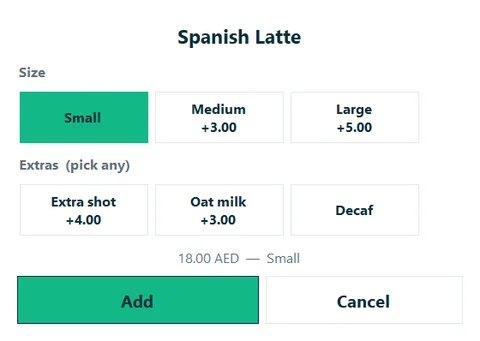
A large latte with oat milk and an extra shot: sizes and add-ons from a touch picker, priced for you.
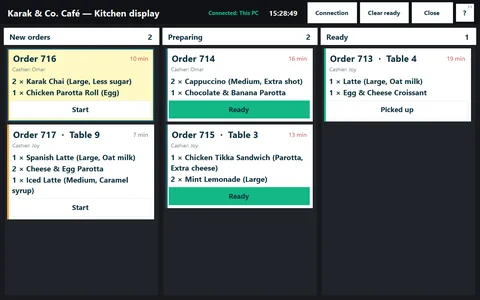
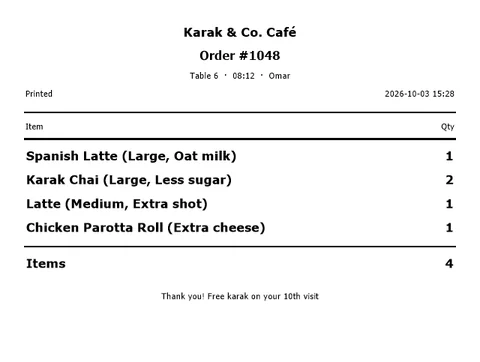
What needs preparing goes to the kitchen printer or the kitchen screen: New → Preparing → Ready.
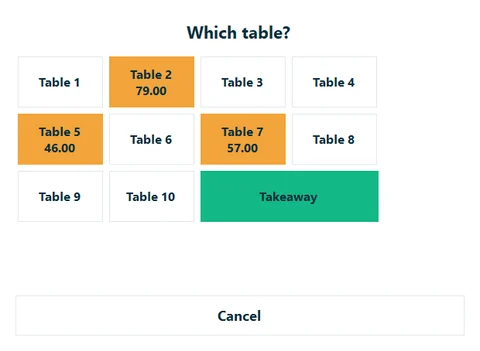
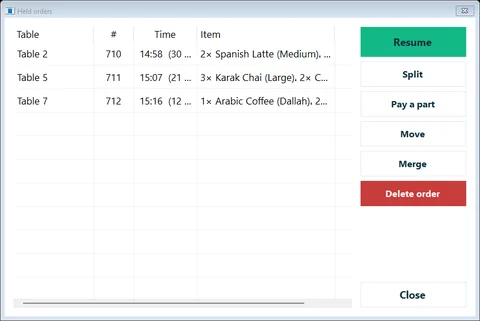
Park a table's order, serve the next customer, then recall it and add to it.
A guest scans the table's QR code, orders and calls the waiter; staff confirm, and it joins the table's running bill.
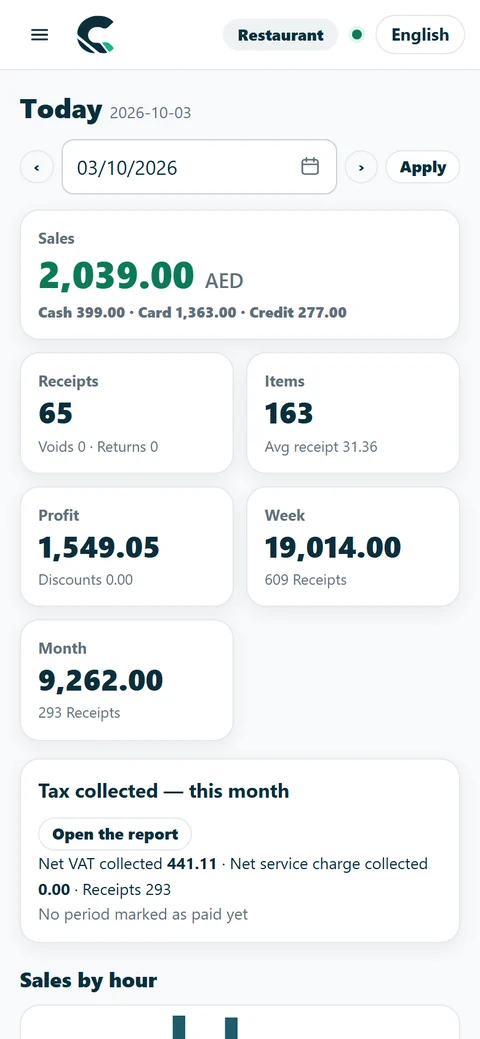
Best sellers and busy hours for the day — on the owner's phone.
Two or more branches? See the Chain plan. All features · All plans and prices
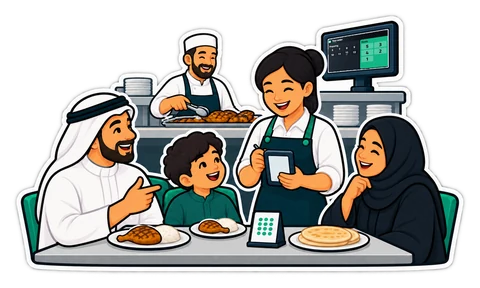
From the till to the kitchen to the TV over the counter — and your menu online.
Taken at the till, or sent by a guest from the table's QR code.
The kitchen sees it at once and taps Ready when it is done.
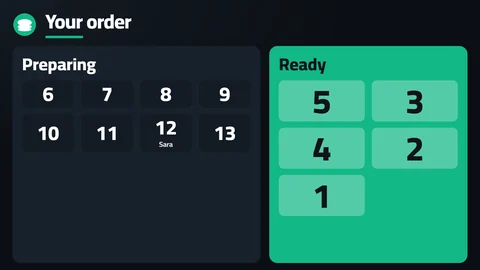
The number moves from Preparing to Ready on the TV, with a chime.

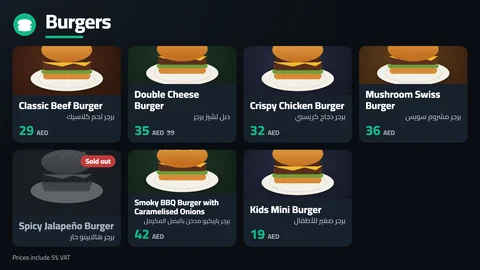
Your menu on any TV with live prices and sold-out items, and a Preparing / Ready screen that shows the order numbers.
Restaurant and Chain plans
How it works
Guests scan the table's code, order, call the waiter and ask for the bill; your staff confirm each order.
Restaurant and Chain plans; an add-on on Retail
How it works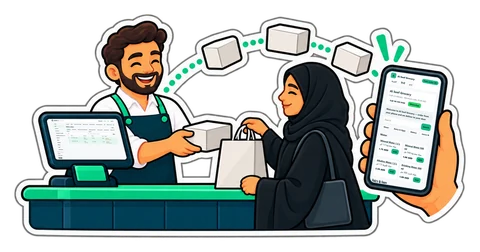
Your products, prices and stock from the till on a shop page in your name; orders arrive at the till. Cash on delivery or pickup.
Restaurant and Chain plans; an add-on on Retail
How it works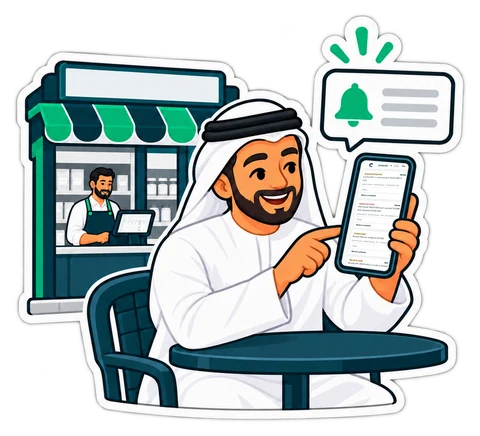
Cashier Risk & No-Sale Drawer Audit, Blind Shift Close & Cash Variance Audit, voids and big discounts reach your phone with the cashier, the till and the receipt.
From the Retail plan; by Telegram from the Restaurant plan
How it works
Clock in and out with a PIN, timesheets with overtime, sales commission and staff advances.
Clock-in and timesheets from the Retail plan; commission and advances from the Restaurant plan
How it works
Orders from delivery apps straight into the till. We are integrating noon Food first; more apps to follow.
An add-on per outlet — see pricing
These features are in CreekPOS Online, switched on by the shop in Settings. The buy-once desktop program does not have them yet. All features · Online shop

Ask for a quote on WhatsApp or by e-mail before you buy.
VAT 5% on every receipt, your TRN on every printout, simplified and full tax invoices.
Your 10-minute demo is given by the people who build CreekPOS, not a call centre.
Every day 9:00–21:00 UAE time — English and Arabic; Hindi and Urdu by appointment. WhatsApp, phone and e-mail.
English, Arabic, Hindi and Urdu on the screen and on the receipt. Support in English and Arabic; Hindi and Urdu by appointment.
We show you CreekPOS on a screen-share, with your kind of shop and in your language. Tell us when suits you; we confirm on WhatsApp.
Answers in seconds, any time: our WhatsApp assistant replies first, and a person from our team takes over whenever you need one.
Rather look around on your own first? No sign-up: a demo shop of your own, ready in a minute. Try the live demo
We will message you on WhatsApp during support hours to fix the time. Want it sooner? Send us a message now.
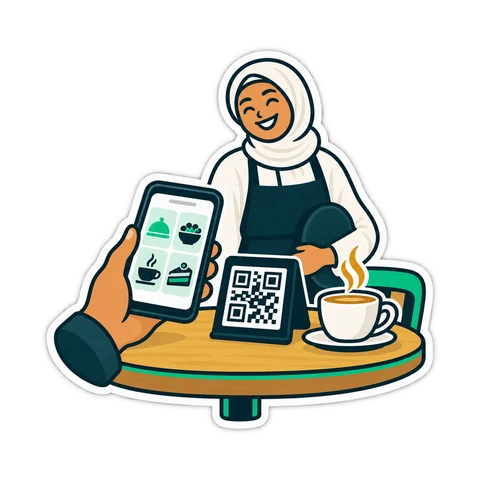
Kitchen prep SLA telemetry, waiter Ready-Bell, table QR pay, PWA digital stamp & VIP cards, BOM stock variance, hourly timers, salon & laundry tools.
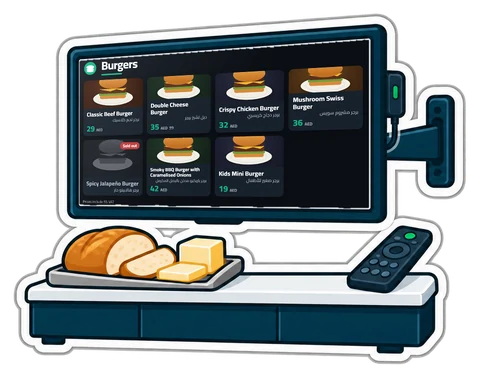
Printed menu boards go out of date the day a price changes. What a digital menu board and a "Preparing / Ready" screen should do, the hardware you actually need, and how to set them up in an afternoon.
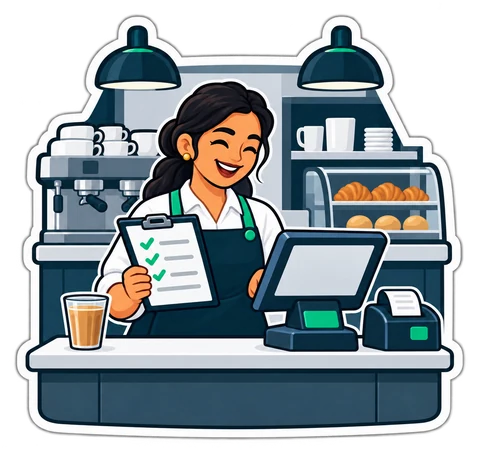
What a UAE cafeteria, café or small restaurant needs from a till, from fast counter orders and add-ons to kitchen tickets, tables, split bills and food cost.
A QR code on the table lets guests order, call the waiter and ask for the bill. What that really changes in a UAE café, what stays the same, and how to start.
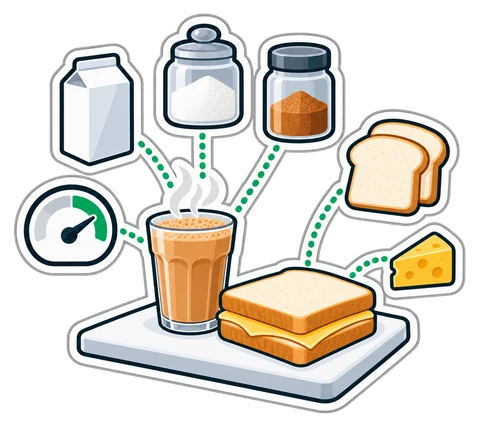
How to cost a recipe, why yield and VAT change the answer, and a weekly routine that shows where food money goes in a UAE café, cafeteria or restaurant.
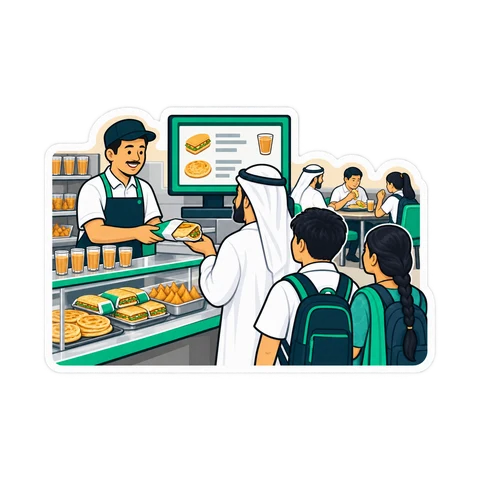
From the trade licence and food approvals to the menu, equipment, VAT and the first week of service: a practical checklist for opening a cafeteria in the UAE.
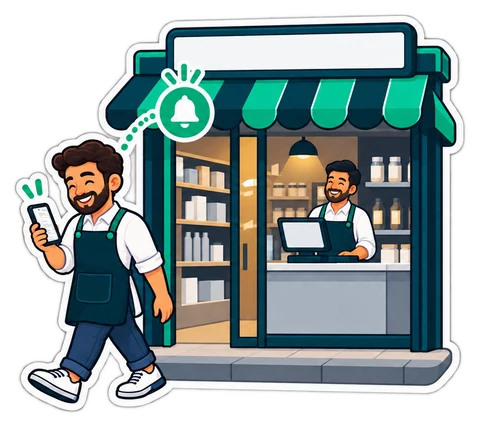
Voids, big discounts, a short drawer, a drawer opened with no sale: the few events worth knowing about, how to get them on your phone without drowning in messages, and what to do when one arrives.
No. A second thermal printer for kitchen tickets works. A screen can be a second monitor, or any PC or tablet on the shop's network.
Yes, with a QR code per table: guests order, call the waiter and ask for the bill; staff confirm each order.
The till keeps selling and syncs in order when the line is back. The online menu and QR ordering need the connection.
CreekPOS Online free for 14 days, or the program on your PC for 7 days. Every feature, no card.
Search by feature, screen or task. Open a guide and share its link with your team.