

How to respond to a wholesale order request
Use accept, reject and revised quotes to keep buyer and supplier aligned before a market request becomes a purchase order.
Available now in CreekPOS Online
Set sensible validity dates, review changed prices and withdraw unavailable products so the public catalogue reflects what you can offer.

A price is easier to use when the buyer knows how long it applies. Choose a validity date you can support, especially for goods whose cost changes often. The date should reflect your actual quotation policy; it is not a promise that stock will still exist. Keep the availability field and written terms consistent with your ability to supply.
Supplier Market sends edited profiles and listings back through publication review. Plan price updates before the old offer expires, and check the resulting public page after approval. If you need a line to disappear immediately, withdraw it. Expired, withdrawn or suspended listings are hidden. Do not publish a new price in the description while leaving the numeric price unchanged: buyers compare the structured amount.
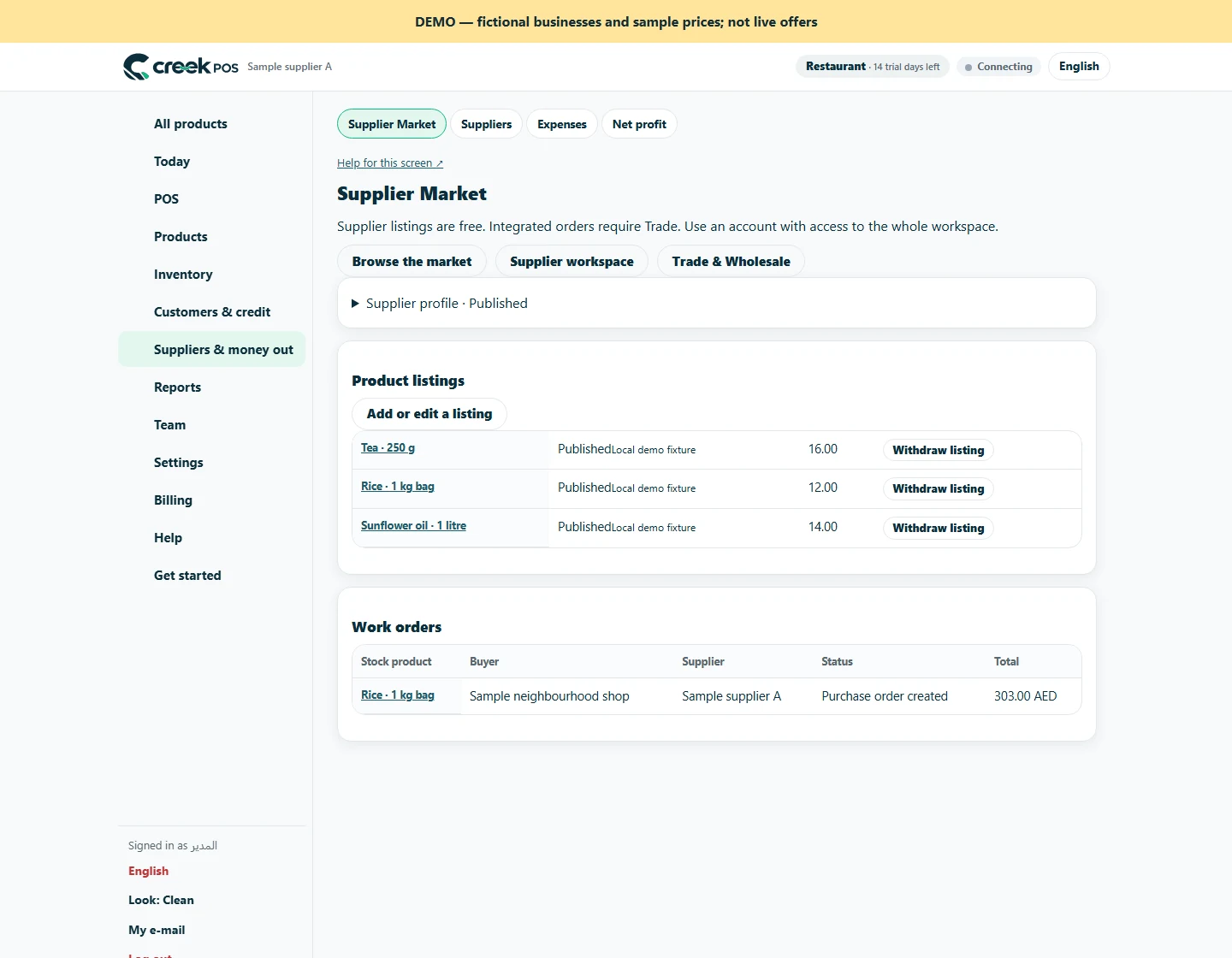
An existing request records the offer and quantity used when it was made. Read that request before responding instead of assuming it now matches an edited catalogue. If the agreement needs a different price or delivery terms, use the revised-quote action. The buyer explicitly accepts that revision and you then confirm it. This keeps a changed catalogue from becoming an unspoken change to a buyer’s request. Set a regular internal review of active lines; the market does not manage your supplier purchasing costs for you.
A brand account is required to list. Normal subscription and account-retention rules apply; this is not a permanent free supplier account.
Trade is billed per workspace in addition to the base plan. It is not included in the base trial. Other optional modules have their own charges. 129 AED / month · Retail+
Regular monthly prices before VAT. Promotional eligibility and the final total appear in Billing.
This article is general information as of its date, not legal or tax advice. Rules change; check the official source or ask your accountant before acting.
Use accept, reject and revised quotes to keep buyer and supplier aligned before a market request becomes a purchase order.

Use product identifiers, size and units to avoid receiving the right name into the wrong stock record.

Kitchen prep SLA telemetry, waiter Ready-Bell, table QR pay, PWA digital stamp & VIP cards, BOM stock variance, hourly timers, salon & laundry tools.
Two ways to use the same market. Choose the route that fits your business.

Shops can search published products by name, brand, category or GTIN. Your public business profile gives them a way to understand who supplies the goods.
For suppliers
Browse the public directory by product, brand, category or GTIN. Check the supplier profile and compare currency, unit and pack size together.
For shopsSearch by feature, screen or task. Open a guide and share its link with your team.