

Open an online shop from your till in minutes
You do not need a website, a second price list or a developer to take orders online. What an online shop fed by your till looks like, how to set it up, and how to run delivery and pickup without chaos.
Coming soon
Half your orders arrive on WhatsApp while your team is busy at the counter. The AI Front Desk answers from your own menu, prices, stock and hours, reads the order back, and places it only when the customer says yes.
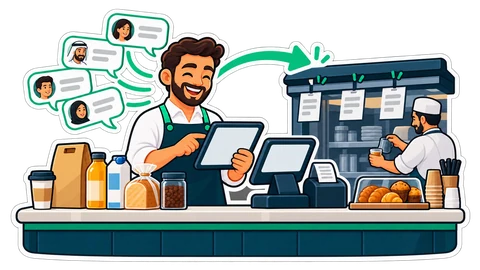
Imagine a small café and grill in Al Karama at one o'clock. There is a queue at the counter, six tickets in the kitchen, and the shop's WhatsApp keeps buzzing on the shelf behind the till. "Do you have chicken biryani today?" "Do you deliver to Al Mankhool?" "2 karak, 1 zaatar manakeesh, pickup in 15 minutes." Whoever is free answers, a few minutes late, between two customers. Some messages never get a reply, and that customer orders somewhere else.
The answers are not hard. They are in your menu, your prices, your stock and your hours. What is missing is someone to look them up every few minutes.
The AI Front Desk answers your shop's own WhatsApp Business number. Before it says anything, it checks your CreekPOS shop with the shop's own tools: the catalogue and today's prices, what is sold out, your opening hours, your delivery areas with their fee and minimum order, and the answers you wrote to your common questions. It never invents a price, a dish or a time. When it does not know, it asks the customer or hands the chat to your team.
It replies in the customer's language: Gulf Arabic, English, Hindi, Urdu, Malayalam, Bengali, Arabic typed in Latin letters or Hinglish, often all in the same afternoon. "Are you open?" or "where are you?" gets your hours or your address and map link straight away. A customer who sends "hi", then "I want", then "2 burgers" in three quick messages gets one answer, not three.
In Settings → Front desk you give the assistant a name, a tone (friendly, formal or brief) and a welcome line, and you add your own questions and answers: "Do you have parking?", "Is the biryani spicy?"
When the customer wants to order, the Front Desk builds the order from your catalogue, with the sizes and add-ons they asked for, and prices it exactly as your online shop does, with VAT and the delivery fee for their area. Then it reads the quote back, the lines, the total, pickup or delivery, and asks whether to place it.
Only the customer's yes, or a tap on the Confirm button, places the order. The AI can never confirm anything by itself. At that moment the order is priced again: if a price changed or something sold out in the meantime, the customer gets a new quote and the question again.
The order then goes through your online shop's own checkout, pickup or delivery with cash on delivery, and reaches the till and the kitchen like any other online order. An order sent after closing time is scheduled for your opening. The customer gets the order number and the total on WhatsApp, and later its status: accepted, out for delivery, delivered.
The Front Desk hands the conversation to your team when the customer asks for a person, when there is a complaint, when it lacks the knowledge to answer, or when the day's AI replies are used up. The customer gets one polite line saying a member of the team will answer here, and the assistant stays quiet.
Your team sees these chats first in the Front desk inbox, with the pictures and the voice-note transcripts. They can Take over, reply, Assign the chat to a colleague, or Return to the assistant when they are done. If a handed-off customer waits more than 15 minutes (you choose the minutes), you get an owner alert.
You decide who answers, per channel:
A sensible start: a week in Draft, then Pilot with your own and your staff's phones, then Automatic.
It does not take payments: orders are cash on delivery. It does not send promotions or broadcasts. It does not answer anything outside your shop's business, and it never promises what your own rules do not allow.
The AI Front Desk is an add-on of the Online Restaurant and Chain plans (coming soon); it costs AED 99 a month before VAT. Read the AI Front Desk page and the manual chapter.
This article is general information as of its date, not legal or tax advice. Rules change; check the official source or ask your accountant before acting.
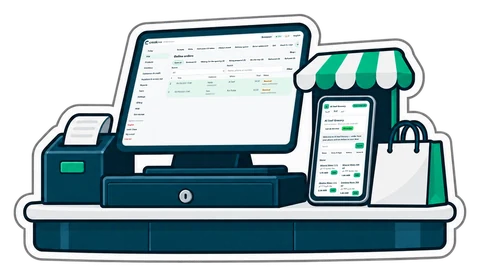
You do not need a website, a second price list or a developer to take orders online. What an online shop fed by your till looks like, how to set it up, and how to run delivery and pickup without chaos.
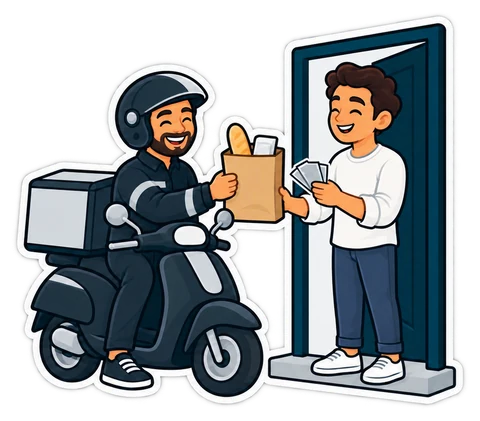
Customers can order from your own online shop and pay the driver in cash. The ordering is the easy part; the money is not. How to run cash-on-delivery orders so every dirham comes back to the drawer.
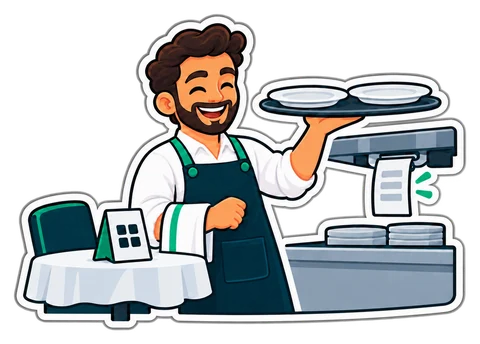
When guests order from their phones, the waiter's job moves from writing orders to checking them, serving and closing bills. A walk through one evening, role by role, and the settings that make it work.
CreekPOS Online free for 14 days, or the program on your PC for 7 days. Every feature, no card.
Search by feature, screen or task. Open a guide and share its link with your team.