

From supplier quote to a linked purchase order
Follow the agreement, product mapping and purchase-order steps without confusing a request with a confirmed purchase.
Available now in CreekPOS Online
Use product identifiers, size and units to avoid receiving the right name into the wrong stock record.

Two listings called “rice” can describe different brands, grades, bag sizes or units. Start with the exact product your shop intends to sell. Check the brand, variant, size and GTIN when available. A GTIN helps identify a trade item, but neither a matching name nor a published listing guarantees authenticity, availability or suitability for your shop.
If your stock record counts individual bags, the supplier listing must be mapped with that unit in mind. Do not map a carton priced as one unit directly to a stock item counted by bag. Check pack contents and the allowed order multiple separately. If you cannot establish equivalence, clarify with the supplier or create the correct local product record instead of using the closest-looking name.
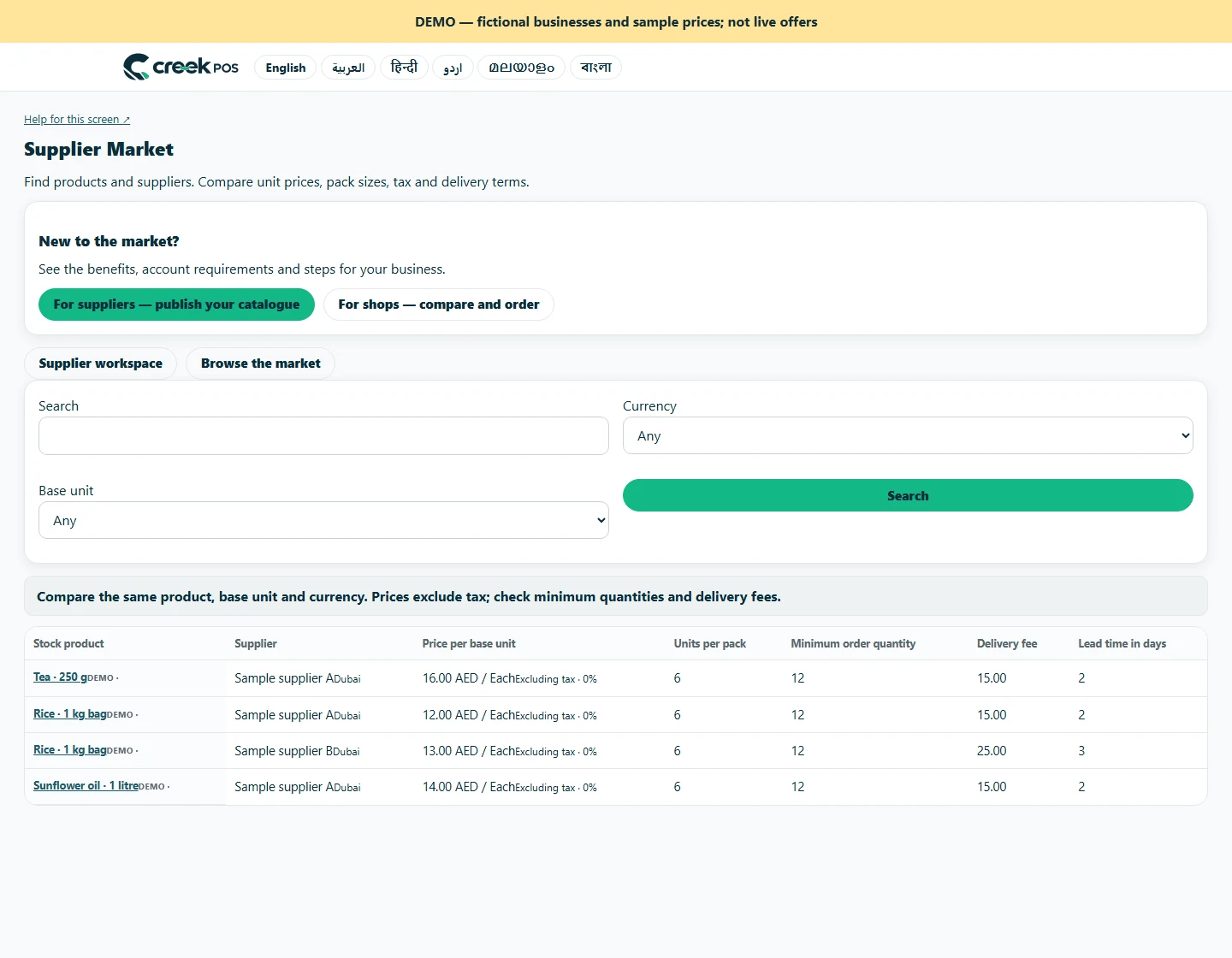
Once the supplier confirms the request, choose your own product and supplier records and confirm the mapping before creating the linked purchase order. This is an explicit buyer decision. At receiving, compare the actual goods and label with the mapped item before recording quantity. Keeping an accurate supplier record also makes future invoice and delivery discussions easier. A few minutes checking the first mapping can prevent a repeated stock-count error on later purchases.
A brand account is required to list. Normal subscription and account-retention rules apply; this is not a permanent free supplier account.
Trade is billed per workspace in addition to the base plan. It is not included in the base trial. Other optional modules have their own charges. 129 AED / month · Retail+
Regular monthly prices before VAT. Promotional eligibility and the final total appear in Billing.
This article is general information as of its date, not legal or tax advice. Rules change; check the official source or ask your accountant before acting.
Follow the agreement, product mapping and purchase-order steps without confusing a request with a confirmed purchase.

Set sensible validity dates, review changed prices and withdraw unavailable products so the public catalogue reflects what you can offer.

Kitchen prep SLA telemetry, waiter Ready-Bell, table QR pay, PWA digital stamp & VIP cards, BOM stock variance, hourly timers, salon & laundry tools.
Two ways to use the same market. Choose the route that fits your business.

Shops can search published products by name, brand, category or GTIN. Your public business profile gives them a way to understand who supplies the goods.
For suppliers
Browse the public directory by product, brand, category or GTIN. Check the supplier profile and compare currency, unit and pack size together.
For shopsSearch by feature, screen or task. Open a guide and share its link with your team.