

Choosing a POS for a grocery or minimarket in the UAE
What a baqala or minimarket needs from a point of sale, from scanning speed and scale labels to monthly accounts, expiry dates and VAT, plus questions to ask first.
Moving from an old cash register, a notebook or an Excel sheet to a POS takes one weekend if the product list is ready first. A two-day plan for UAE shops.
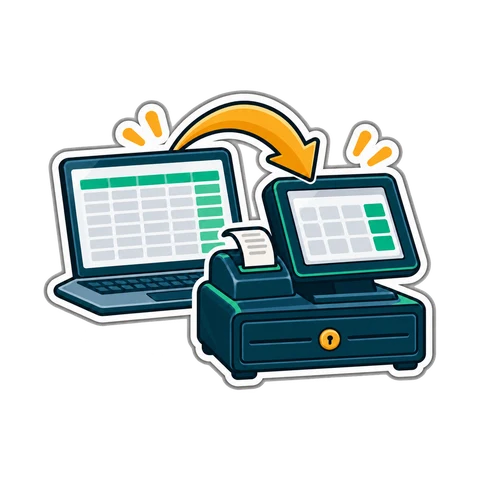
Many shops in the UAE still run on an electronic cash register, an Excel sheet of prices, and a notebook of who owes what. The move to a POS feels like a big project, so it keeps getting postponed. It does not need to be: with the product list prepared in advance, the switch itself fits into two quiet days.
The work happens before the switch, not during it. Gather four things:
Pick your two quietest days. For many shops that is not Friday or Saturday; look at your own sales and choose.
Put everything into one spreadsheet with one row per product. These columns cover almost every shop:
| Column | Example | Notes |
|---|---|---|
| Name | Basmati rice 5 kg | Size in the name avoids mix-ups |
| Barcode | 13 digits from the pack | Leave empty if there is none |
| Category | Rice and grains | Keep it to 15-30 categories |
| Selling price | 32.50 | Including VAT, as the customer pays |
| Cost | 27.00 | From the latest supplier invoice |
| Stock | 14 | Leave for the count, see below |
| Unit | piece / kg | kg for loose items |
Most first-day trouble comes from a messy list, not from the software.
A worked example, not a statistic: a minimarket with 3,000 rows in Excel often ends up with around 2,400 real products after merging duplicates and removing dead items. That is a good sign, not a loss.
Do not run the old register in parallel. Two systems double the work and neither will match. Keep the old records for reference, not for selling.
CreekPOS has an import wizard that reads from text files, Excel, ODBC sources or an older copy of the program, shows a preview before anything is saved and takes an automatic backup first. There is also a CSV template for import and export, ready-made shop types to start from, and filters that show products with no barcode, no price, no cost, or duplicates; a duplicate barcode is refused. When you scan a product that is not on your list yet, a UAE product catalogue fills in its name. Stock-takes can be counted from several phones at once. See the products features or download the desktop program to try the import on your own sheet.
Can I keep using Excel for prices? You can export and re-import, but it is easier to change prices in the POS and export a copy when you need the sheet.
What if my register cannot export anything? Print the PLU list, or photograph the shelves, and type the top sellers first. The rest can be added at the till as they sell.
Do I need to count every item on the weekend? Ideally yes, so the opening stock is right. If the shop is too big, count the fast movers and use supplier invoices for the rest, then do a full count within a month.
Want to try the move without any risk? Try the live demo or start a 14-day trial and import your own price list.
This article is general information as of its date, not legal or tax advice. Rules change; check the official source or ask your accountant before acting.
What a baqala or minimarket needs from a point of sale, from scanning speed and scale labels to monthly accounts, expiry dates and VAT, plus questions to ask first.

How to plan and run a stock-take in a small UAE shop in one evening, with zones, two-person teams, recounts and variance valued at cost, so the numbers can be trusted.
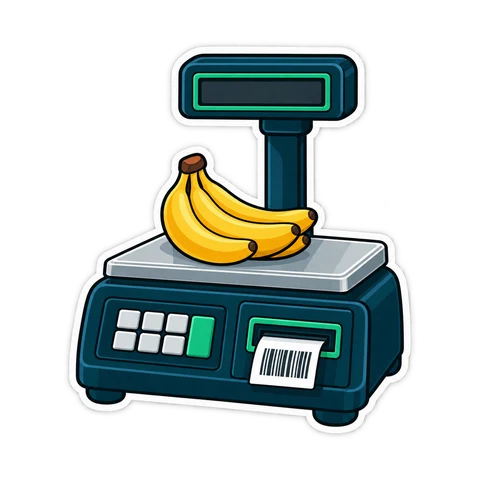
How barcodes work in a UAE shop: EAN-13 numbers from GS1, in-store codes starting with 2, scale labels that carry a weight or a price, and the mistakes that slow a till.
CreekPOS Online free for 14 days, or the program on your PC for 7 days. Every feature, no card.
Search by feature, screen or task. Open a guide and share its link with your team.