

Kitchen SLA Telemetry, PWA Digital Stamp & VIP Cards, and Recipe Stock Variance
Kitchen prep SLA telemetry, waiter Ready-Bell, table QR pay, PWA digital stamp & VIP cards, BOM stock variance, hourly timers, salon & laundry tools.
CreekPOS Online comes with an online shop, an online menu and QR ordering at the table. Switch them on in Settings: your products, prices and stock come straight from the till, and orders arrive at the till.
Included in the Restaurant and Chain plans; an add-on on Retail.
In the web app, as the owner or a manager.
Settings → Online: pick your shop's web address once — it is printed on your QR codes.
Tick Online shop, and the online menu or table QR if you want them. Untick any product you want to keep off the web; the till still sells it.
Add delivery areas with a fee and a minimum, or pickup, and your opening hours. Then share the link or print its QR code.
How customers pay: cash on delivery, or when they collect. Paying online by card is not available yet.
All three use the same products, prices and stock as your till.

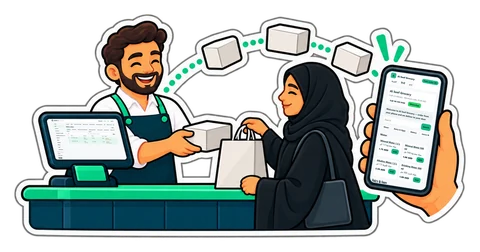
Your products, prices and stock from the till on a shop page in your name; orders arrive at the till. Cash on delivery or pickup.
Restaurant and Chain plans; an add-on on Retail
How it works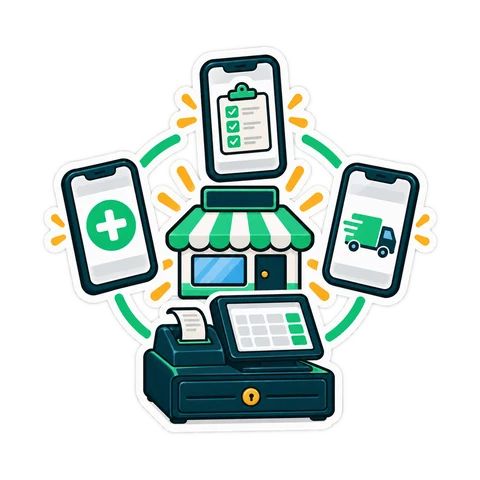
Your menu with pictures and prices at your own web address, to share or print as a QR code.
Restaurant and Chain plans; an add-on on Retail
How it works
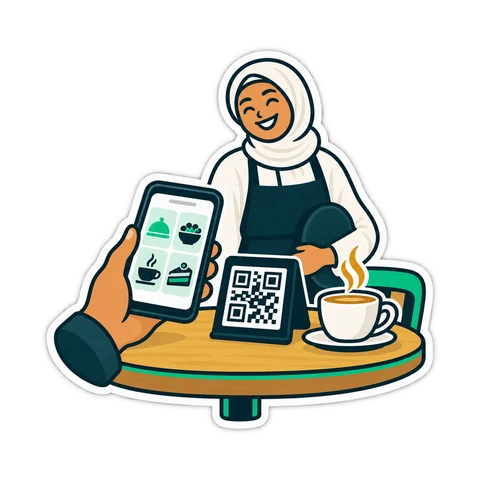
Guests scan the table's code, order, call the waiter and ask for the bill; your staff confirm each order.
Restaurant and Chain plans; an add-on on Retail
How it worksNo second system and no second price list.
AED99/ month
On Online Retail each one is a monthly add-on, bought in Billing.
Start your 14-day trialAED150/ month
For cafés, restaurants and shops that sell online.
Start your 14-day trialAED300/ month
Two branches included; more at the extra-branch price.
Start your 14-day trialPrices exclude 5% VAT. Launch offer: 25% off until 13 November 2026, code LAUNCH25 applied automatically. CreekPOS Online: use code CREEK20 for 20% off your first year.
These features are in CreekPOS Online, switched on by the shop in Settings. The buy-once desktop program does not have them yet.
We show you CreekPOS on a screen-share, with your kind of shop and in your language. Tell us when suits you; we confirm on WhatsApp.
Answers in seconds, any time: our WhatsApp assistant replies first, and a person from our team takes over whenever you need one.
Rather look around on your own first? No sign-up: a demo shop of your own, ready in a minute. Try the live demo
We will message you on WhatsApp during support hours to fix the time. Want it sooner? Send us a message now.
Kitchen prep SLA telemetry, waiter Ready-Bell, table QR pay, PWA digital stamp & VIP cards, BOM stock variance, hourly timers, salon & laundry tools.
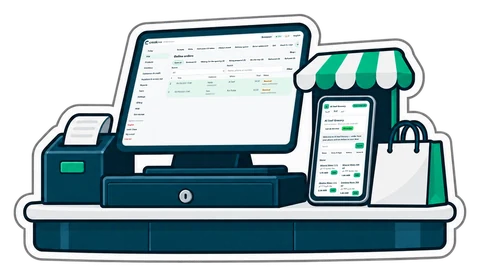
You do not need a website, a second price list or a developer to take orders online. What an online shop fed by your till looks like, how to set it up, and how to run delivery and pickup without chaos.
A QR code on the table lets guests order, call the waiter and ask for the bill. What that really changes in a UAE café, what stays the same, and how to start.
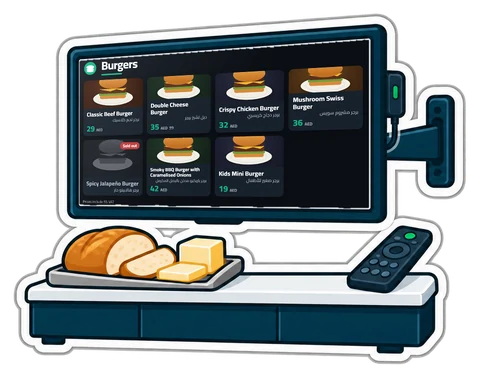
Printed menu boards go out of date the day a price changes. What a digital menu board and a "Preparing / Ready" screen should do, the hardware you actually need, and how to set them up in an afternoon.
No. Your shop gets its own web address; share the link on WhatsApp, Instagram or your Google profile, or print its QR code.
Cash on delivery, or when they collect. Online card payment is not available yet.
No. The shop shows the till's products, pictures, prices and stock; untick anything you want to keep off the web.
When the till's stock reaches zero the item shows as out of stock, or disappears if you chose to hide out-of-stock items.
CreekPOS Online free for 14 days, or the program on your PC for 7 days. Every feature, no card.
Search by feature, screen or task. Open a guide and share its link with your team.