
Works with the hardware you already have
No proprietary terminal. Any Windows PC, any thermal printer with a driver, any cash drawer, any USB scanner. We list the exact models we have tested as we test them.
Receipt printer
58 or 80 mm thermal, USB, network or Bluetooth. Common USB models are set up by the installer; any model with a Windows driver works.
On a counter, buy 80 mm with an auto-cutter and a drawer port.
Tested models: Tested-devices list coming.
Barcode scanner
Any keyboard-wedge USB scanner, wired or wireless, handheld or desktop. Reads EAN-13, Code 128 and the labels CreekPOS prints.
Your phone's camera works too, for stock-takes.
Tested models: Tested-devices list coming.
Cash drawer
RJ11 to the printer's drawer port, or a USB or serial trigger. Four kick commands and three pulse lengths; a one-button diagnostic.
Most drawers in the shops here are RJ11; the printer opens them.
Tested models: Tested-devices list coming.
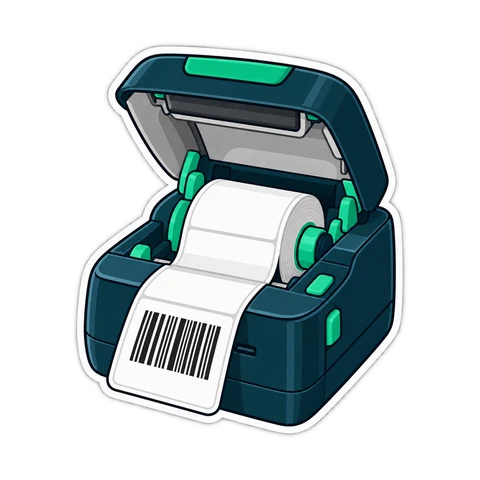
Label printer (optional)
Any model with a Windows driver, or print labels on the receipt printer. Common sizes plus a split pharmacy label.
Tested models: Tested-devices list coming.
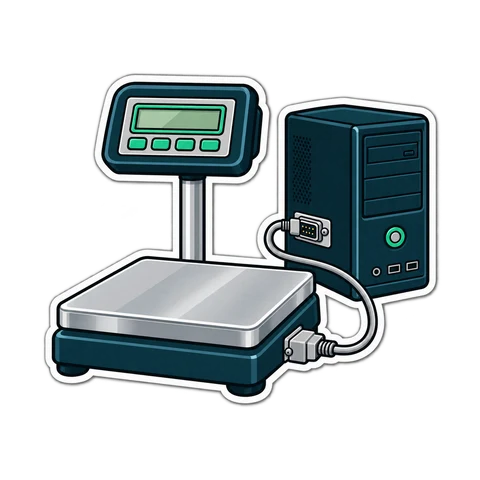
Weighing scale (optional)
Serial or USB-serial scales from the common makers read the weight into the till; scale labels with price or weight are read by the scanner.
Tested models: Tested-devices list coming.

Customer display (optional)
A second monitor showing the order, the total, the amount paid and the change — or a 2×20 pole display or 8-digit LED.
Tested models: Tested-devices list coming.
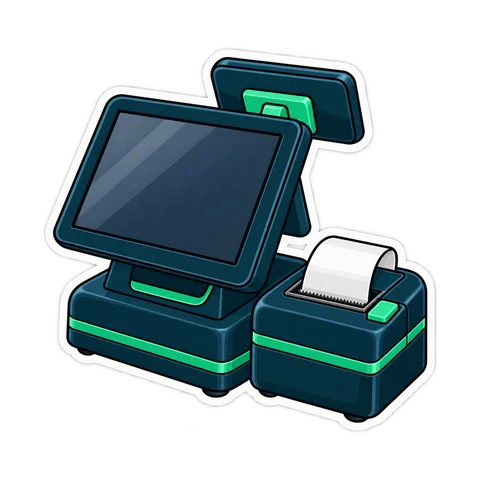
Touch screen or all-in-one terminal
Any Windows touch screen or all-in-one; a mouse works just as well, and the whole program runs from the keyboard.
Tested models: Tested-devices list coming.
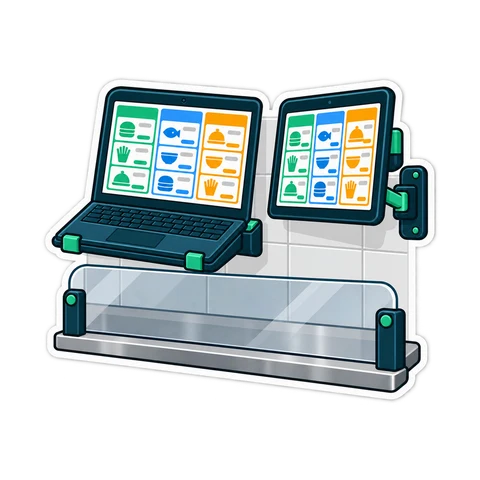
Kitchen screen (optional)
A second monitor, or any PC or tablet on the shop's network; or a second thermal printer for tickets.
Tested models: Tested-devices list coming.
Card payments and staff cards
Card payments are taken on your bank's terminal and recorded in CreekPOS. Manager and cashier cards use a USB magnetic-stripe or RFID reader.
Integrated card terminals: ask us about your bank.
Tested models: Tested-devices list coming.
The computer
Any Windows 10 or 11 PC, 64-bit; light on older machines. Mac and Linux versions are coming.
Tested models: Tested-devices list coming.
Set up in minutes, tested from inside the program
Settings → Devices lists what is connected. Test print, test the drawer, find the drawer port, preview the receipt at real size. And if you prefer, we set it all up for you.

A typical setup
A PC or all-in-one
Windows 10 or 11.
An 80 mm thermal printer
With a drawer port and an auto-cutter.
A cash drawer
RJ11 into the printer.
A USB scanner
Plug in and scan.
Not sure about a device? Send us its name and we will tell you. Chat on WhatsApp
Try CreekPOS free
The program on your PC for 7 days, or CreekPOS Online for 14 days. Every feature, no card, and we help you set it up.