

Customer Portal: getting started
A private place for customers to find purchases, documents, support and service updates.
Enable CRM and open a customer profile to record the next follow-up, or create a deal and move it through the pipeline.

Know who comes back, who has gone quiet, and who needs a call.
CRM and open a customer profile to record the next follow-up, or create a deal and move it through the pipeline.STOP requests.This article is general information as of its date, not legal or tax advice. Rules change; check the official source or ask your accountant before acting.
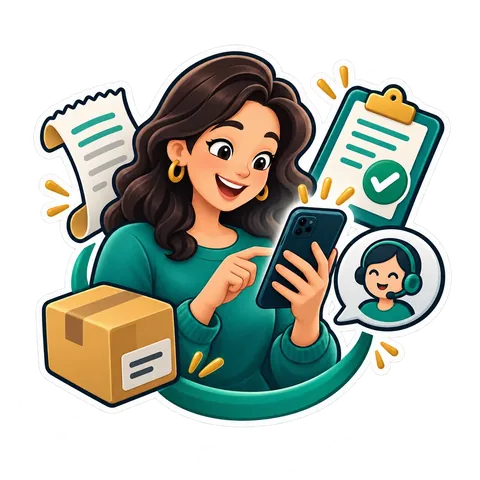
A private place for customers to find purchases, documents, support and service updates.
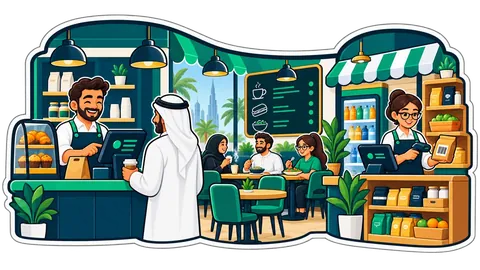
A shop changes as it grows: a second outlet, a back store, an accountant, a supplier who wants quotes. In CreekPOS Online each of these is a module of the same account, switched on in one page, Settings → Modules. Nothing to install, one login, one bill.
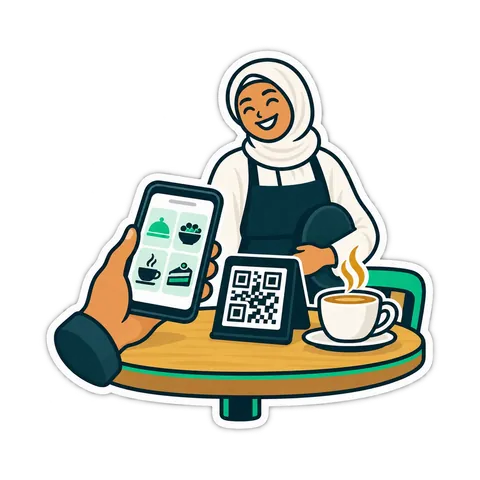
Kitchen prep SLA telemetry, waiter Ready-Bell, table QR pay, PWA digital stamp & VIP cards, BOM stock variance, hourly timers, salon & laundry tools.
CreekPOS Online free for 14 days, or the program on your PC for 14 days. Every feature, no card.
Search by feature, screen or task. Open a guide and share its link with your team.