An Android tablet as the till for a kiosk or a food truck
Available now in CreekPOS Online
A coffee kiosk in a mall or a food truck at a weekend market has no room for a desktop till. CreekPOS Till turns an Android tablet into the same online till, and it keeps selling when the signal drops.
By the CreekPOS team3 min read
Imagine a coffee kiosk in a mall corridor in Dubai Marina, or a food truck that parks at a weekend market in Al Qudra. The counter is half a metre wide. There is one socket, if any. The mobile signal comes and goes with the crowd. A computer, a screen and a cash register will not fit, and a till that freezes every time the signal drops is worse than a notebook.
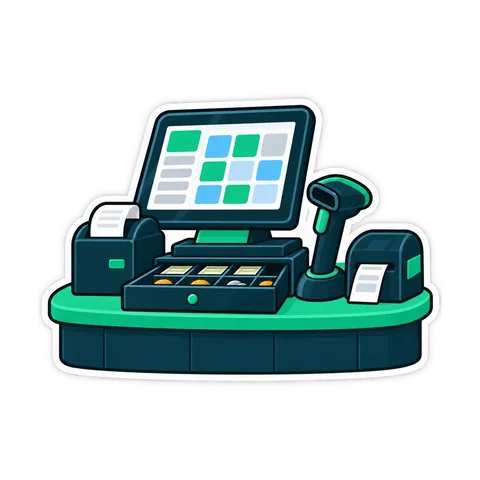
A tablet on a stand, with a small receipt printer beside it, fits. That is what CreekPOS Till for Android is for.
What CreekPOS Till does
It is the same online till. The Sell page of CreekPOS Online, with your products, prices, offers and customers, in your language. The kiosk's sales land in the same reports as every other till of your shop.
It keeps selling offline. When the line drops, sales are kept safely on the tablet and sent when the connection is back, also if the app was closed or the tablet restarted in between.
It prints receipts on a Bluetooth receipt printer, or on a USB printer plugged into the tablet's port with an adapter. A printer on the same Wi-Fi network works too. Android asks for permission the first time the till uses a printer.
The camera is a barcode scanner. Point the tablet's camera at the barcode and the product goes into the cart. A scanner that types, by USB or Bluetooth, works as well.
Pairing takes a 6-digit code. Sign in with the shop's e-mail, open Settings → Tills → Connect this device, enter the code, and the tablet becomes one of your tills.
It is laid out for a tablet held sideways. On a 10-inch screen the product grid, the cart and the Pay button with the total all fit on one screen, and the screen stays on while a shift is open.
What to check before you buy a tablet
Android 9 or newer. A newer version is better, and keep it updated.
Screen size. A 10-inch tablet sideways is what the Sell page is laid out for. A smaller screen works, with more scrolling between products.
A stand. A firm stand that holds the tablet at a comfortable angle for the cashier, fixed to the counter in a truck so it cannot slide when the truck moves. Make sure the charging cable reaches.
A printer. A receipt printer with Bluetooth, or a USB printer and an adapter for the tablet's port. Check the paper width and keep spare rolls in the truck.
A cash drawer, if you take cash. On a tablet the drawer opens through the receipt printer, so choose a drawer that plugs into the printer.
A camera that focuses up close, or a separate scanner for a long queue. The camera is fine for a kiosk; a scanner is faster at a rush.
Power and internet. A charger at the counter, and Wi-Fi or a phone's hotspot. Offline selling covers the gaps, but the first sign-in and the pairing need a connection, and sales are sent when the line returns.
We do not list tablet models here. Tested devices will appear on the hardware page once they are tested.
Good to know
Never uninstall the till while sales are waiting to be sent. Uninstalling removes them from the tablet. Google Play updates the app.
Let it run in the background. In the tablet's battery settings, exclude the till from sleeping, so it can send waiting sales when the line returns.
What it does not do yet: scales and customer pole displays do not work on Android. A drawer opens only through the printer.
CreekPOS Till is a till of CreekPOS Online. The buy-once desktop program runs on Windows.
This article is general information as of its date, not legal or tax advice. Rules change; check the official source or ask your accountant before acting.