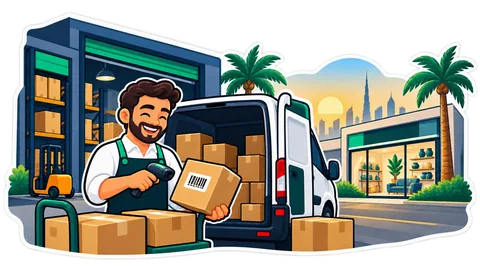
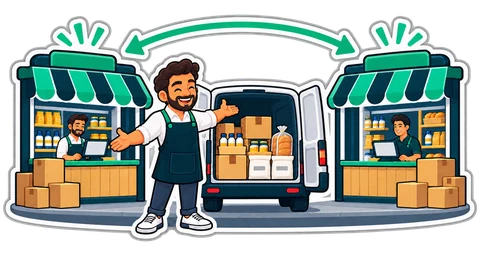
When stock sits in a back store, a warehouse in Al Quoz and a van, "how many do we have?" has four answers. Warehouses in CreekPOS Online give each place its own stock, bins and min / max, and move goods with transfers that travel until they are received.
A foodstuff trader runs a showroom in Al Quoz with a till at the front, a back store behind it, a bigger warehouse two streets away, and a van that supplies cafeterias every morning. On paper it is one shop. In reality the stock lives in four places, and the till's "12 in stock" means nothing when the twelve are in the van.
Locations: every place has its own stock
With Warehouses switched on, a branch can hold stock in several locations:
- the shop floor, which the tills sell from;
- a back store;
- a central warehouse: a location, not a selling branch, so there is no extra branch to pay for;
- a van;
- consignment stock kept at a customer or a supplier.
A shop can have up to 50 locations. Each product can have a bin (shelf code) and a min and max in each location. The till still sells only from the shop floor, so the cashier's screen stays simple and stock in the warehouse is never sold by mistake.
Transfers that travel
Moving goods is a transfer, and it travels until someone receives it:
- Request: from the warehouse to the shop floor, with the products and quantities.
- Pick: the storekeeper scans as he picks, with a barcode scanner or the phone's camera. A product's barcode counts one, a carton's barcode a carton, a batch or serial that unit. The pick list is sorted by bin, so he walks the aisles once.
- Dispatch: the goods leave the warehouse at their cost, and a numbered transfer note prints with a QR code.
- Receive: at the other end, scan the note's QR, count what arrived and confirm. A receipt can come in parts.
Inside one branch, a transfer can Move now once it is picked. Between branches, on the Chain plan, you choose: instant as before, or in transit, where the stock is on its way, counted in neither branch's shelf but in the valuation, until the other branch confirms it.
When the count is not right
The van arrives with two cartons short and one crushed. Only the good units enter stock. Each difference goes to a manager to settle: short goods written off or put back at the source, damaged goods written off or kept, extra goods kept. Every settled line names who decided. The owner gets an alert when a transfer has been on the way too long, or when a receipt has differences.
Counts, value and refills
- Counts per location, per category or per bin, blind for staff by default: they type what they see, and a manager approves the difference.
- Valuation per location at cost, plus what is on the way.
- Replenishment: when the shop floor drops to its min, an internal request brings it up to its max from its source location. A location with no source is pointed at the smart reorder.
What it does not do
A till does not sell from the van or the warehouse: the goods move to the shop floor first. Consignment is tracked as a location, but settling it with the supplier is not built. Warehouses are not in the buy-once desktop program.
Warehouses are included in Online Restaurant and Chain, and an add-on for Online Retail at AED 49 a month before VAT. They need Stock and Purchasing. Read the ERP page and the manual chapter.
This article is general information as of its date, not legal or tax advice. Rules change; check the official source or ask your accountant before acting.