

Kitchen SLA Telemetry, PWA Digital Stamp & VIP Cards, and Recipe Stock Variance
Kitchen prep SLA telemetry, waiter Ready-Bell, table QR pay, PWA digital stamp & VIP cards, BOM stock variance, hourly timers, salon & laundry tools.
Available now in CreekPOS Online
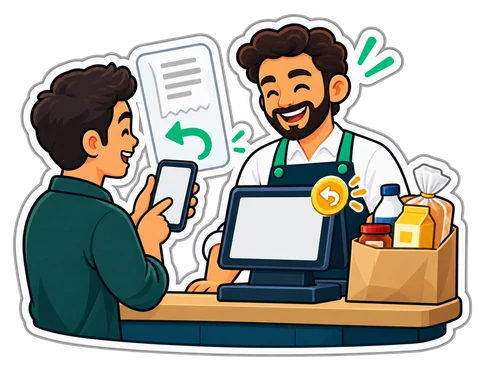
A receipt usually ends in the bin. With CreekPOS it asks for a Google review, opens a receipt page on the customer's phone where they can order the same again, ask for a return or ask a question, and carries the stamp card to the customer's phone, with the Apple and Google Wallet buttons coming soon.
On every plan. The review QR also prints from the desktop program; the receipt page needs your shop's online address.
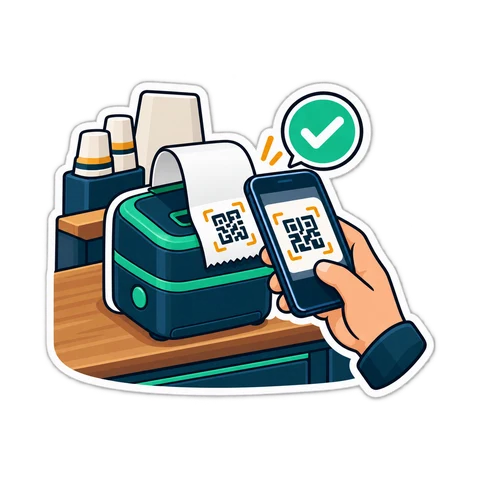
01Reviews
Paste your Google review link once. Every printed sale receipt then ends with “Happy with us? Scan to rate us” and a QR code, in the receipt's language. The receipt page and the receipt you share on WhatsApp carry a “Rate us” link too.
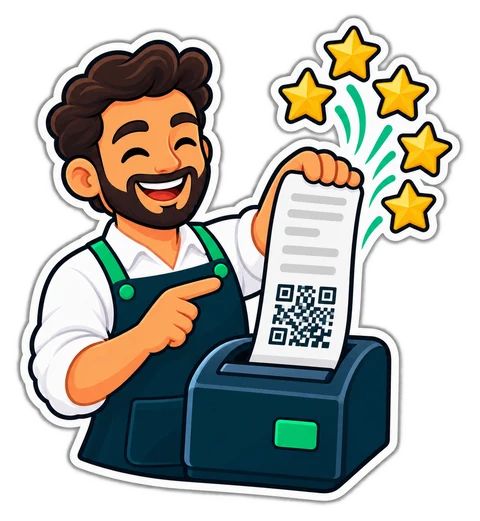
02Receipt page
Every receipt has its own private link, shared by WhatsApp from the Receipts page. It shows exactly what the paper showed: the lines, the totals, the VAT, how it was paid. Not the customer's details, not the cashier, not your costs.
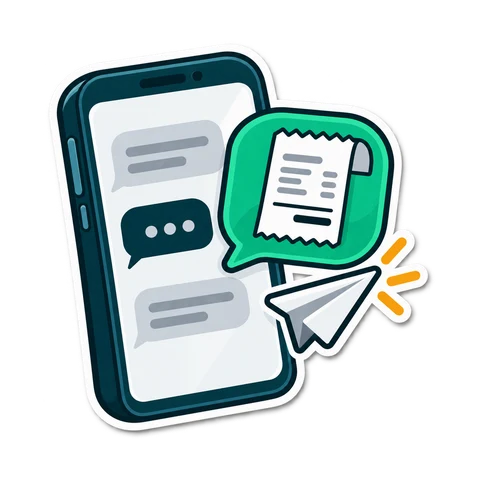
03Order again
The weekly basket, in one tap. With your online shop switched on, the receipt page fills a cart at today's prices and names anything no longer sold. Without it, the page shows a QR the customer shows at the counter: the cashier scans it and the till refills the sale.
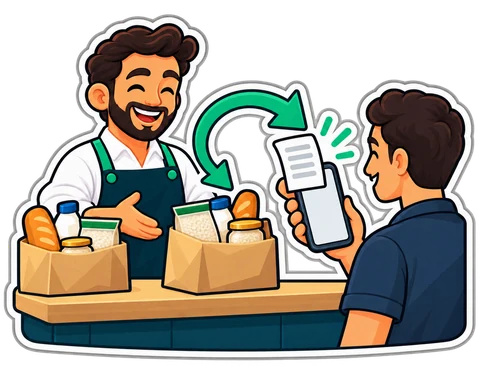
04Returns
Wrong size, damaged, not as described? The customer picks the lines, a reason, adds a few words, a photo and a phone number for a WhatsApp answer. Or simply asks a question. It lands in the till's “Customer requests”; your staff accept it (the normal return form opens with the lines filled in), decline it with a reason, or reply.
05Wallet
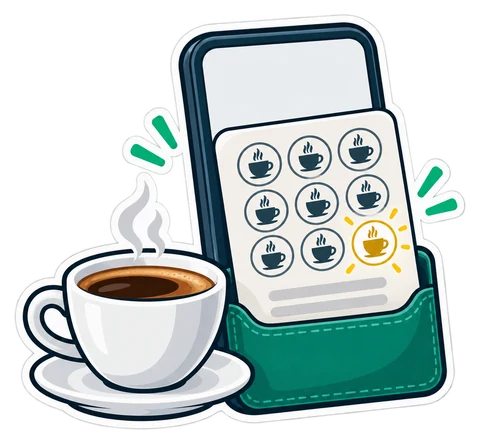
“Buy 9, the 10th is free” already lives on a page the customer opens from the receipt, and it works today without an app. Coming soon: “Add to Apple Wallet” and “Add to Google Wallet” put it in the phone's wallet, and the pass updates itself after every visit: the stamps, the points, the reward and the code the cashier scans.
Paste the review link in Settings → Shop; switch the return form and the question box on or off in the same place.
AED99/ month
Included; order again into the online shop with its add-on
Start your 14-day trialBuy-once desktop program: The review QR on the receipt, and the stamp card from Gold
Prices exclude 5% VAT. Launch offer: 25% off until 13 November 2026, code LAUNCH25 applied automatically. CreekPOS Online: use code CREEK20 for 20% off your first year.

Kitchen prep SLA telemetry, waiter Ready-Bell, table QR pay, PWA digital stamp & VIP cards, BOM stock variance, hourly timers, salon & laundry tools.
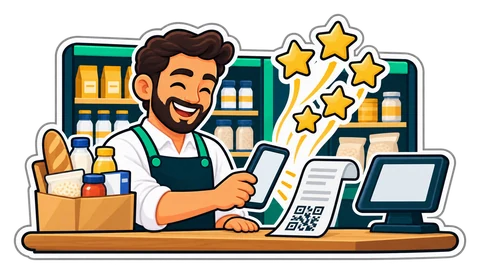
Happy customers rarely think of leaving a review, and a week later they have forgotten. A QR at the foot of every sale receipt asks at the right moment, in one scan, with a link you paste once.
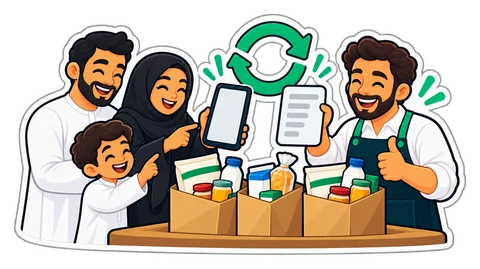
Many families buy almost the same basket every week. From the receipt page, Order the same again fills the online shop's cart at today's prices, or shows a QR the cashier scans to refill the till.
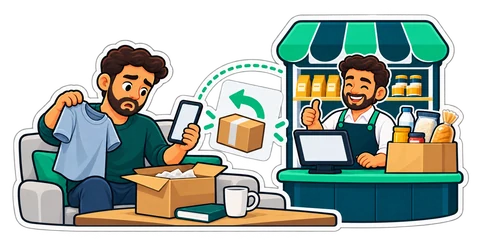
The shirt is the wrong size and the shop's phone is busy. From the receipt page the customer asks for a return or sends a question; the till's Customer requests inbox gets it, and staff decide.
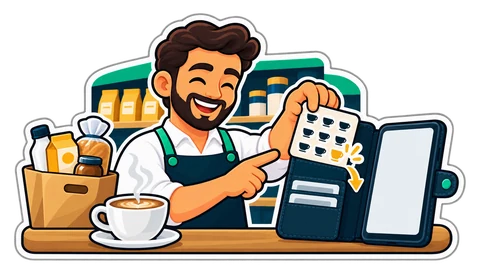
The stamp card already lives on a page the customer opens from the receipt. Now it can go into the phone's wallet, next to the bank cards, and it updates itself after every visit.
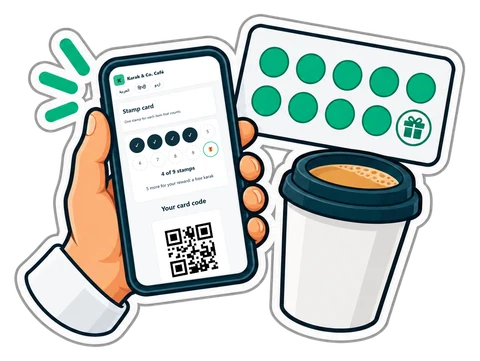
Paper stamp cards get lost and copied; loyalty apps never get downloaded. A stamp card that lives on the customer's phone through a link, filled automatically from the till, keeps the simplicity and drops the problems.

Take one of your own receipts and check it against this list, from the heading to the last line. What the till prints for a shopper, what changes for a company, and what happens with returns and deposits.
In your Google Business Profile, choose “Ask for reviews” and copy the link. Paste it once in Settings → Shop (Settings → General in the desktop program).
Only someone with the receipt's own long link, which is signed by our server: a guessed or changed link opens nothing. The page shows what the paper showed, without the customer's details or the cashier's name.
No. It always uses today's prices and leaves out what is no longer sold or out of stock, and says so.
No. A return request waits for your staff. Accepting it opens the normal return form at the till, with its usual rights and limits.
No. The card is a web page they open from the receipt. The Apple Wallet and Google Wallet buttons are coming soon.
No. The receipt page, the review QR, order again, returns and the stamp card are ordinary features with fixed rules.
Also built in: Books Bookings HR & attendance Connect your AI Features
Start the free 14-day trial, paste your Google review link in Settings → Shop and print your first receipt.
Search by feature, screen or task. Open a guide and share its link with your team.