Bookings · appointments and reservations

Appointments that end in a sale at your till

Available now in CreekPOS Online

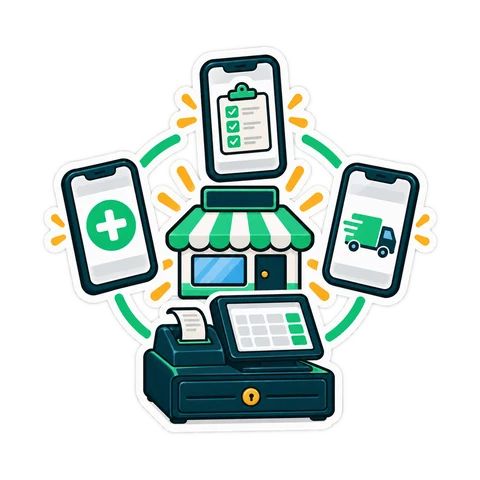
Bookings gives your salon, clinic, barbershop, car wash or restaurant its own booking page, one calendar that never double-books, reminders and a till that knows who just walked in. A visit is checked out like any other sale.

On Online Restaurant and Chain. Switch it on in Settings, then follow the set-up steps.

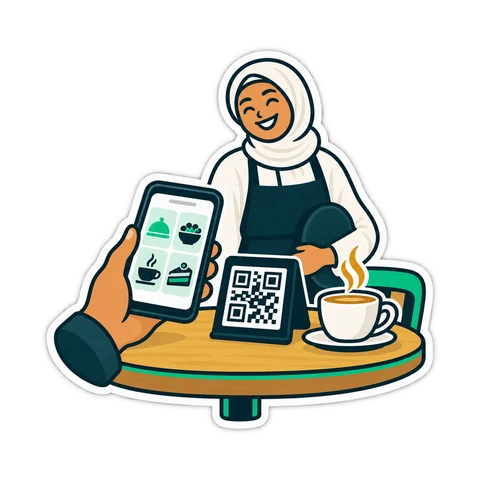
A customer scanning a QR code at the counter to book
  • A booking page in your shop's name, no app needed
  • Never two bookings in one slot
  • Check out at the till, one receipt per team member
  • Walk-ins and table reservations too

01Booking page

Your own booking page

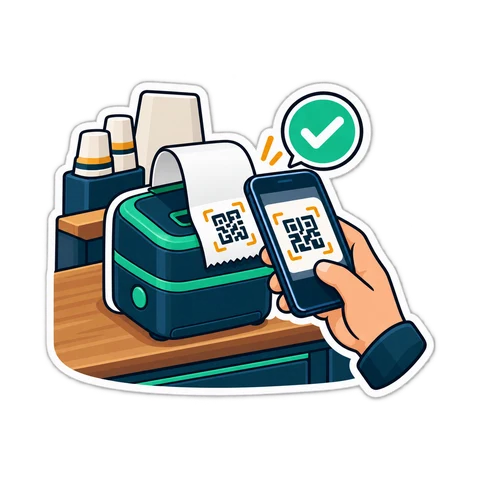
Customers pick a service, a team member and a time on your page, in their language and on their phone, without an account. The slot is held for ten minutes while they type. Share the link, print the QR code for the counter, or add a Book now button to your website.

  • Separate pages for appointments, table reservations and classes: switch on the ones you need
  • Add to calendar, and a link to move or cancel within your rules
  • Limits per phone and per address keep fake bookings out
  • A booking can wait as requested until your staff confirm it
Your booking page, opened from a link or a QR code

02Calendar

One calendar, never double-booked

Day, week, month or list, by team member or by room, chair or bay. Services carry their duration, buffer time and add-ons; each team member has their own hours, breaks and days off. Two people can never book the same chair at the same time, not even in the same second.

  • Several services in one visit, one after another or side by side
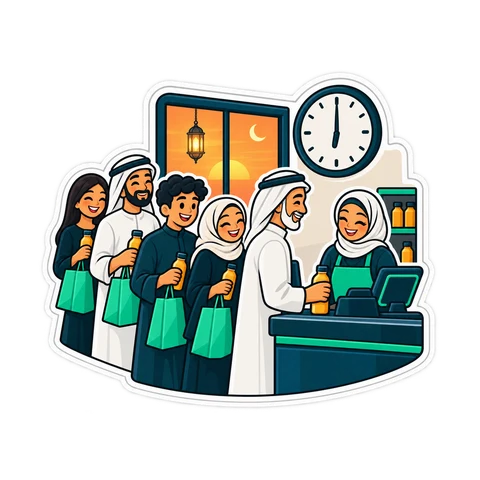
  • Holidays, breaks and dated opening-hour changes, including the Ramadan hours you set
  • Recurring visits, generated eight weeks ahead
  • A today board for the front desk: expected, arrived, in service, done
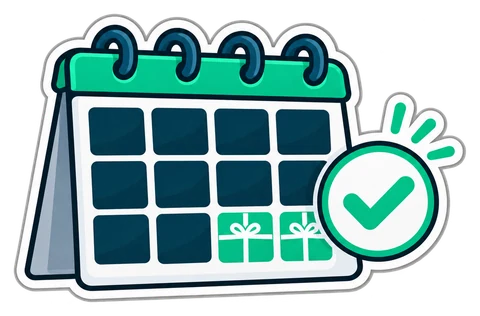
A twelve-month calendar with the last two months wrapped as gifts
One calendar for every team member, room and chair

03At the till

Arrived, start, check out: at the till

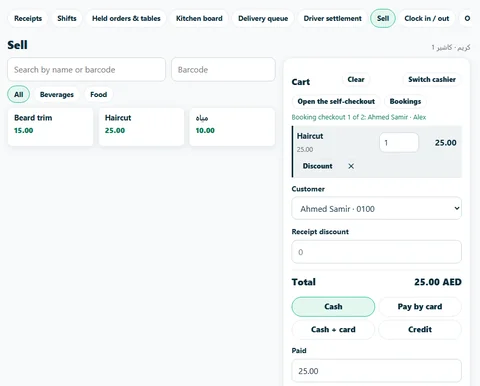
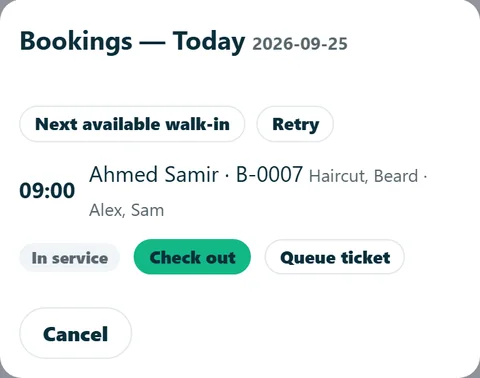
On the Sell page, the Bookings button lists today's visits. Mark the customer arrived, start the service, and Check out loads the visit into the cart: one cart per team member, because each receipt has one seller. Add a product, take the payment, and the visit closes by itself.

  • A deposit already paid is taken off the bill
  • Walk-ins work offline and are sent when the line is back
  • Queue tickets for the waiting area
A visit for two team members, checked out one receipt at a time
Today's bookings on a phone: in service, check out, queue ticket
A visit for two team members, checked out one receipt at a time

04Walk-ins

Walk-ins and the waiting list

Next available walk-in finds the first free team member for the service and books it in one tap; the printed ticket tells the customer their place. A walk-in taken while the till was offline is placed when the line returns, or flagged for the front desk if the slot has gone.

  • A waitlist with timed offers when a slot opens
  • Classes with a seat count, for studios and trainers
Walk-ins get the next free team member and a ticket

05Reminders

Fewer no-shows

Eleven message templates, from confirmed and reminder to moved, cancelled, thanks and birthday, with quiet hours and an opt-out. Messages go by e-mail; WhatsApp messages wait in a to-send list and go with one tap from your phone.

  • A no-show or late-cancel fee only when you switch it on, with a reason
  • Reports on no-shows and what they cost you
Reminders the customer actually reads

06Restaurants

Table reservations for restaurants

The reservation page asks for the party size first, offers the nearest free times and takes a seating preference and the occasion. The host list picks the smallest table that fits and joins tables only where you said they can be joined; seating a party opens its table order.

  • A turn time for each party size
  • A waitlist for busy nights
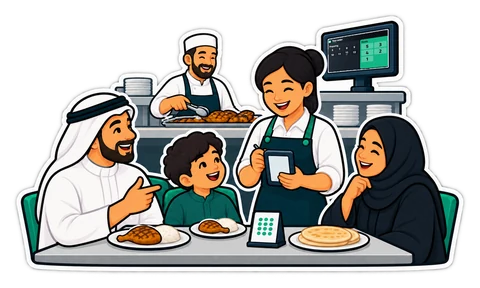
A waiter taking a family's order on a handheld at the table, with the kitchen pass behind
Reservations that know your tables

07Customers

Customer card, packages and deposits

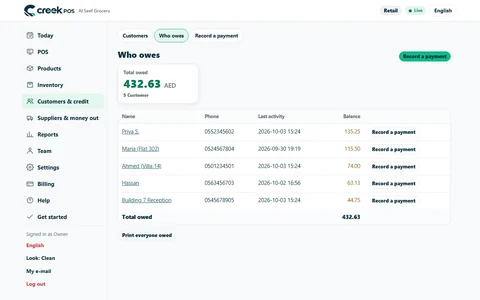
Every booking lands on the same customer record your till, credit book and stamp card use: history, favourite team member, notes, intake questions, birthday and private feedback. Sell packages and memberships, such as ten sessions or a monthly plan, and take deposits through the till.

  • Clinic intake notes are general notes, not a medical record
  • Reports: utilisation, revenue, no-shows, new and returning customers, the busiest hours
One customer record for bookings, sales and loyalty
Plain answers

Good to know before you start

  • There is no online card payment: a booking that needs a deposit shows your payment instructions, and you record the deposit at the till.
  • WhatsApp and SMS are not sent automatically: WhatsApp messages go with one tap from the to-send list.
  • Check your opening hours and your cancellation rules before you switch the public page on.
  • It is not in the buy-once desktop program.
Which plans include it

Which plans include Bookings

Bookings comes with CreekPOS Online. Switch it on in Settings and the set-up steps guide you through hours, services and team.

Retail

AED99/ month

Not included: move up to Restaurant at any time

Chain

AED300/ month

Included, every branch

Start your 14-day trial

Buy-once desktop program: Not in the buy-once program

Prices exclude 5% VAT. Launch offer: 25% off until 13 November 2026, code LAUNCH25 applied automatically.

Compare all plans Read the manual chapter

Questions about Bookings

Can two customers book the same slot?

No. A team member, room or chair can hold one booking at a time, and the slot is held for ten minutes while a customer fills in the booking page.

Do my customers need an account or an app?

No. They open your booking page from a link or a QR code, book in a minute and get a link to move or cancel within your rules.

Does it send WhatsApp reminders?

WhatsApp messages wait in a to-send list and go with one tap from your phone. Messages also go by e-mail. Automatic WhatsApp and SMS are not part of Bookings.

Can customers pay a deposit online?

Not by card. The booking shows your payment instructions and waits as requested; you record the deposit at the till, and it is taken off the bill at checkout.

How is a visit paid?

At the till: Bookings → Arrived → Start → Check out. The visit loads into the cart, one receipt per team member, and you can add products before taking the payment.

Can a restaurant take table reservations?

Yes. The reservation page asks for the party size first, and the host list picks the smallest table that fits; tables are joined only where you allowed it.

Which plans include Bookings?

Online Restaurant and Online Chain. It is not in the buy-once desktop program.

Also built in: Books HR & attendance Connect your AI Features

Open your booking page this week

Start the free 14-day trial on the Restaurant plan, switch Bookings on and share your link.

Help centre

Search by feature, screen or task. Open a guide and share its link with your team.

How to use this feature Help centre