

Books: what it is and when you need it
Most small shops never need Books: the reports already show sales, profit, cash and VAT. Switch Books on when you issue tax invoices to companies, pay suppliers by bill, reconcile a bank account, or your accountant wants proper accounts. It is part of the Restaurant and Chain plans.
Step by step
1Switch it on
Settings → Modules → Books → Switch on. Its pages appear in the menu; switching it off later hides them and deletes nothing.
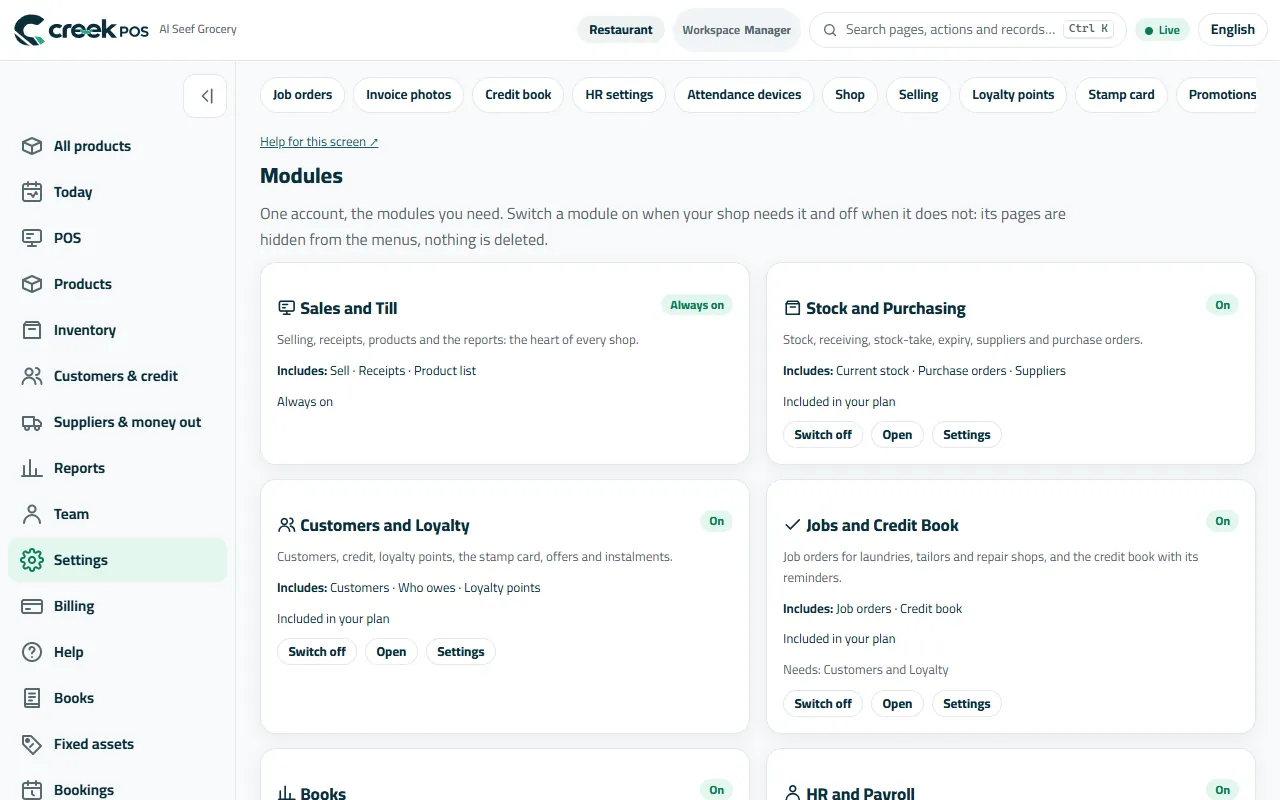
Settings → Modules: Books with its Switch on button. 2Set it up once
Open Books and press Set up Books: it prepares the accounts a shop needs. Enter your opening balances (cash, bank, what customers and suppliers owe) — or ask your accountant to.
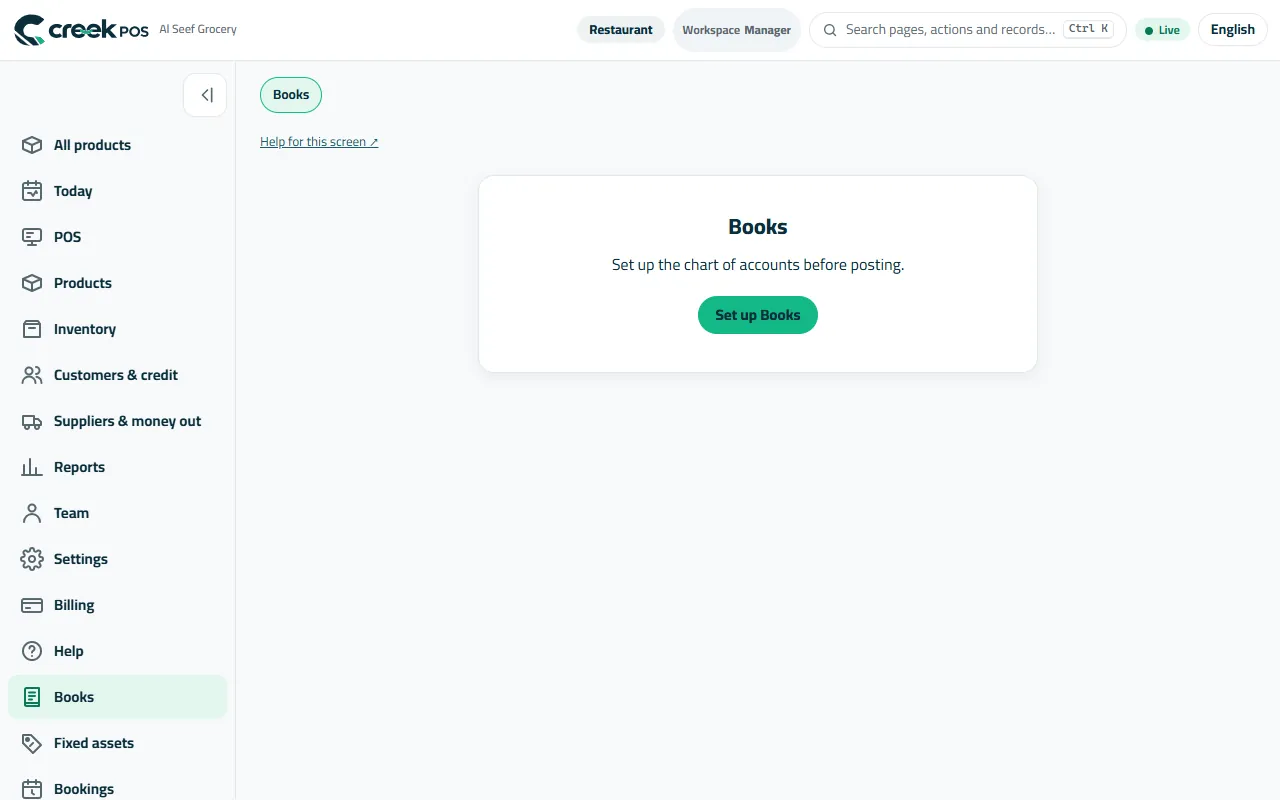
Books before its first use: Set up Books. 3Let the till post by itself
From then on every day's sales, payments and VAT go into Books for you. You add what the till does not see: invoices and quotes to companies, supplier bills, bank lines. Profit and loss and the balance sheet follow.
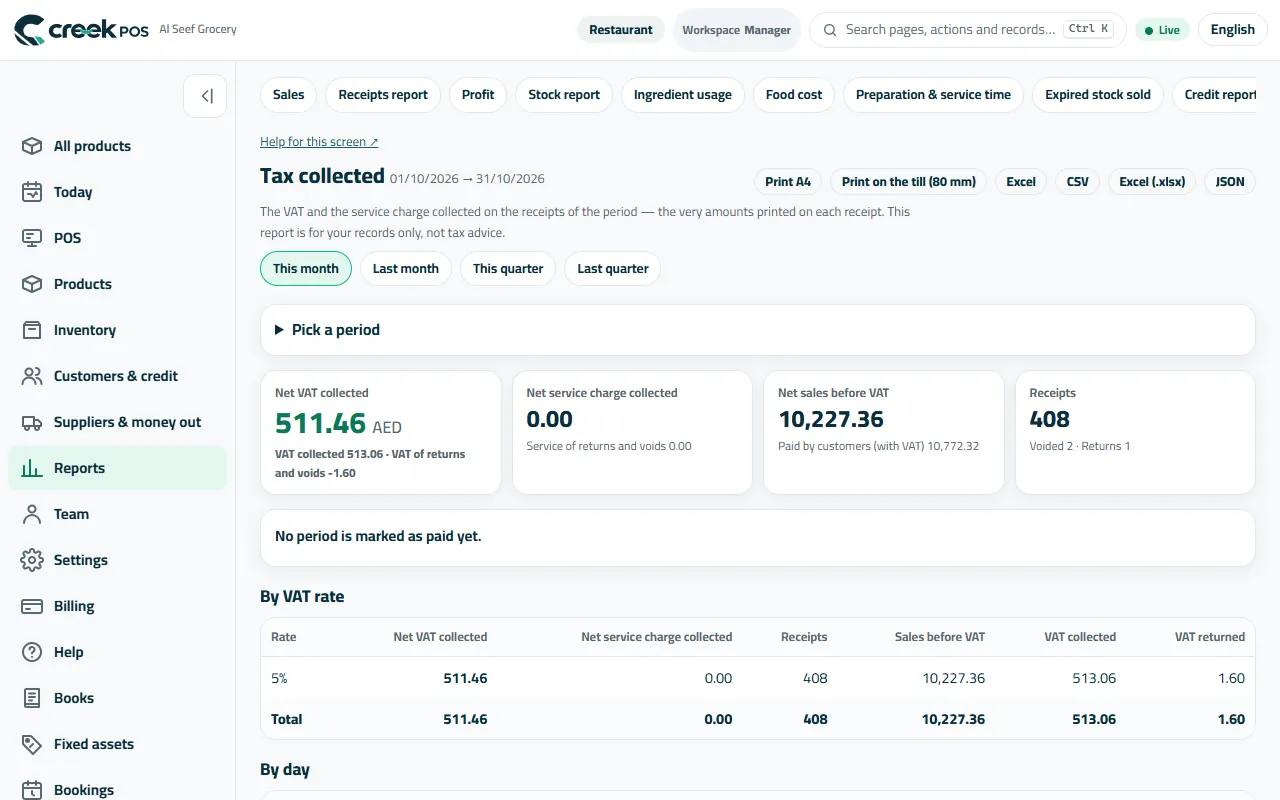
The tax collected on the receipts is the figure Books starts from. 4Give your accountant access
Team → Users: create an account with the Accountant or Accountant (view only) preset. The rights View Books and reports, Post and reverse journals and Set up Books decide what they may do.
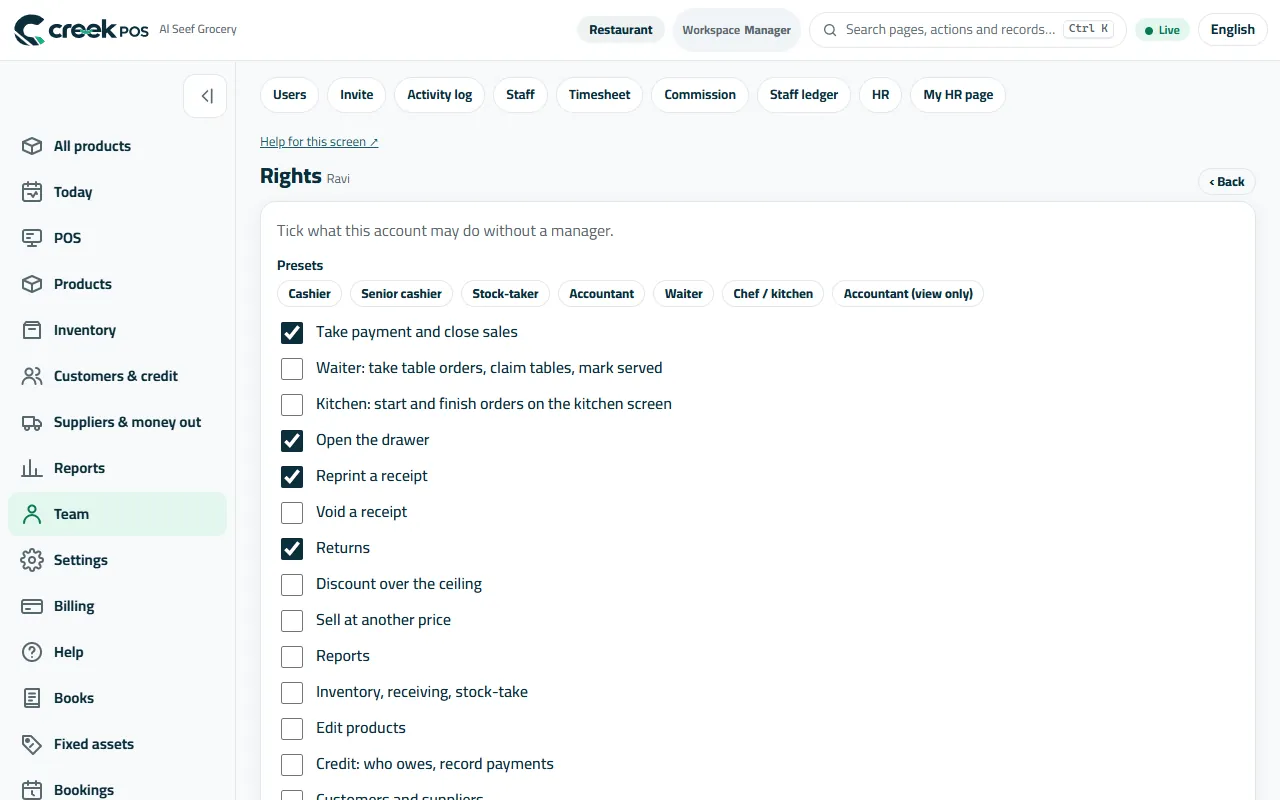
Rights include what an accountant may do in Books.
The words on the screen
| On the screen | What it means |
|---|---|
| Books | The accounting module: invoices, bills, the bank, VAT, profit and loss, balance sheet. |
| Opening balances | What you have and owe on the day you start. |
| Journal | Your accountant's word for an accounting entry; you rarely need it. |
Common mistakes
- Switching Books on and leaving the opening balances empty — the balance sheet is then wrong.
- Typing the till's sales into Books again. They are posted for you.