

creekpos · SaaS / Online
Charts, datetime ranges and profit · SaaS / Online
This guide uses fictional training data. Available controls depend on your enabled features, plan and permissions.
Prepared against the tested 13 October 2026 build; check your deployed build before following a new control.
Who can use this
Manager / authorized report reader
Required tools
Reports with access to their source records. Requires the appropriate enabled features and entitlement; this guide does not add plan inclusions.
Before you begin
If a control is absent, check role, branch, enabled features and entitlement. If an order or price changed, refresh and review again. Do not repeat an uncertain financial action with a new request.
Steps
- Open the report with the required read right and select the branch scope. Set an explicit start and end date/time for reports that use transaction timestamps.
- Check the displayed branch timezone. The start is included and the end is excluded; a transaction exactly at the ending instant belongs to the next range. Day-based payroll/legal periods remain calendar periods.
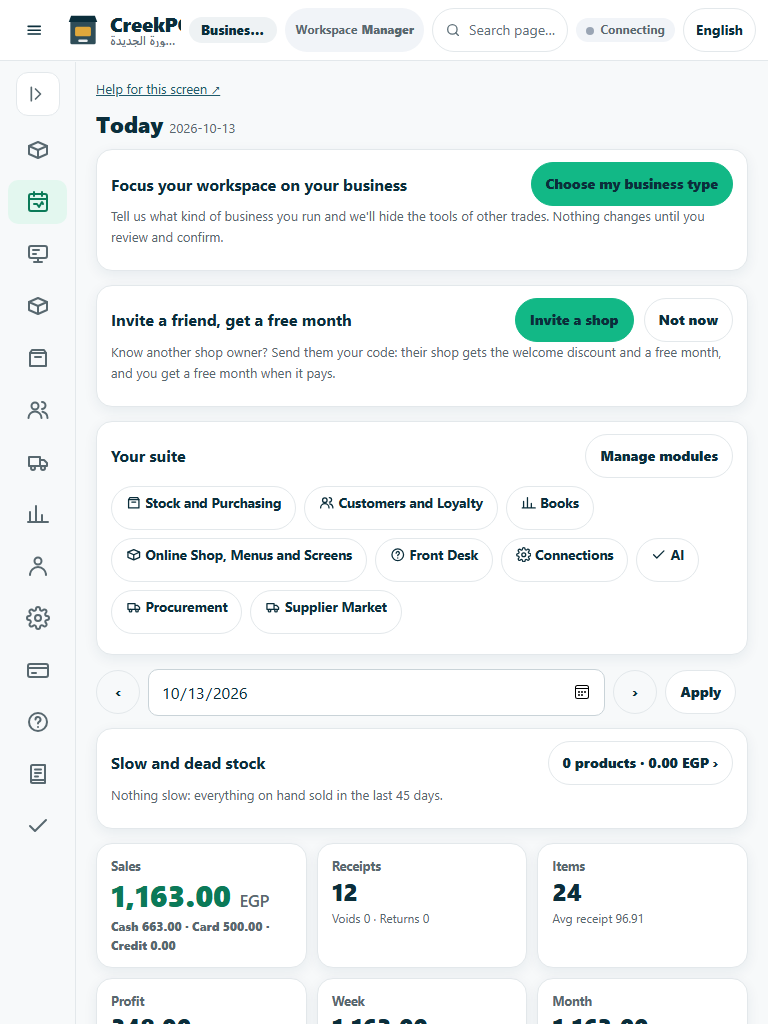
- Read axis labels and units before comparing series. Money, counts and quantities are different measures. Use the accessible data table to inspect exact values behind a chart.
- Distinguish sales, gross margin and net profit. Historical cost of goods, waste/shortage, expenses and unallocated costs need separate review. Do not deduct purchase payments again as cost of sales or call transfers revenue.
Check the result
Review the saved record and its audit/stock/payment state before continuing. A preview, queued request or accepted send is not proof of completed delivery or settlement.
Edition differences and limits
Native Reports now supports exact start and exclusive-end date/time, money axes including negative profit, and CSV/Excel/JSON. Daily expense records limit partial-day net profit.