

creekpos · SaaS / Online
Scale, printer and label setup · SaaS / Online
This guide uses fictional training data. Available controls depend on your enabled features, plan and permissions.
Prepared against the tested 13 October 2026 build; check your deployed build before following a new control.
Who can use this
Owner / authorized device operator
Required tools
Device configuration and installed equipment. Requires the appropriate enabled features and entitlement; this guide does not add plan inclusions.
Before you begin
If a control is absent, check role, branch, enabled features and entitlement. If an order or price changed, refresh and review again. Do not repeat an uncertain financial action with a new request.
Steps
- Record the exact scale/printer manufacturer, model, connection and protocol. We provide software; hardware supply, installation and certification are separate facts.
- Use the native till or supported bridge for device operations. Browser previews do not establish a serial/USB/Bluetooth connection or prove a printed label scans correctly.
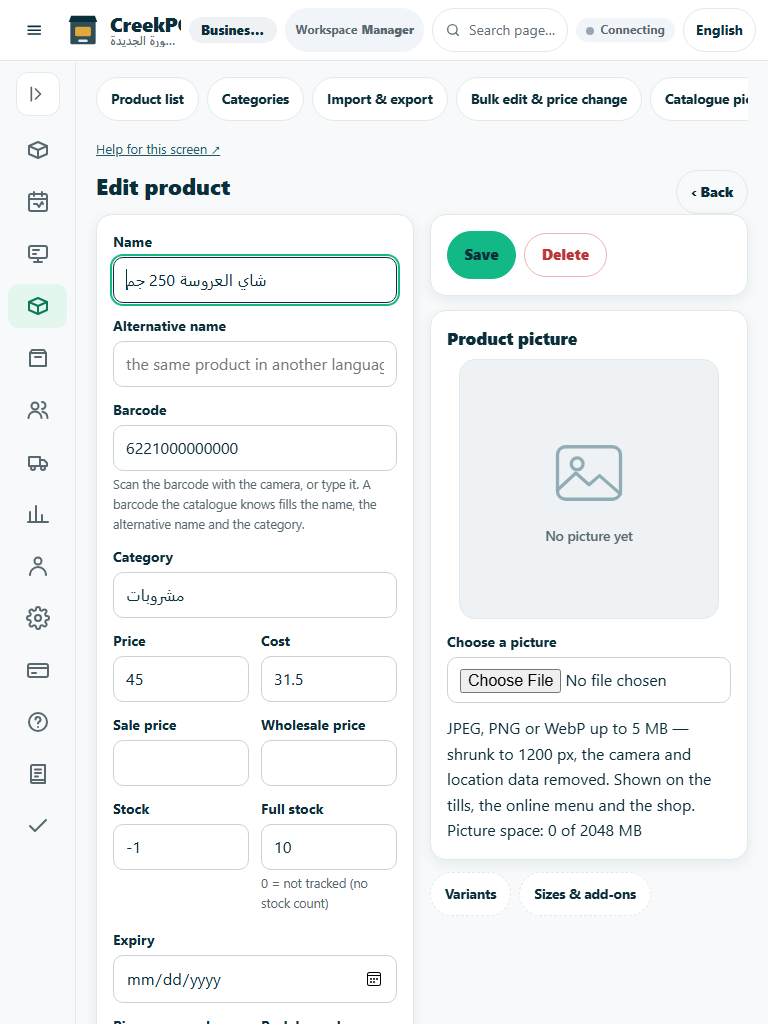
- Configure the supported weight/tare/unit and label layout. Test a real EAN-13/price/weight label through checkout and confirm quantity, amount and rounding.
- If the device is unavailable or unsupported, use explicit manual weight entry where offered. Record the limitation and follow the real-device checklist; never claim universal compatibility from a mock test.
Check the result
Review the saved record and its audit/stock/payment state before continuing. A preview, queued request or accepted send is not proof of completed delivery or settlement.
Edition differences and limits
Configure printers, cash drawer and weighing devices in the native program/till, using the actual connection path. A successful preview and passing software tests are useful checks, but real-device testing remains necessary.